
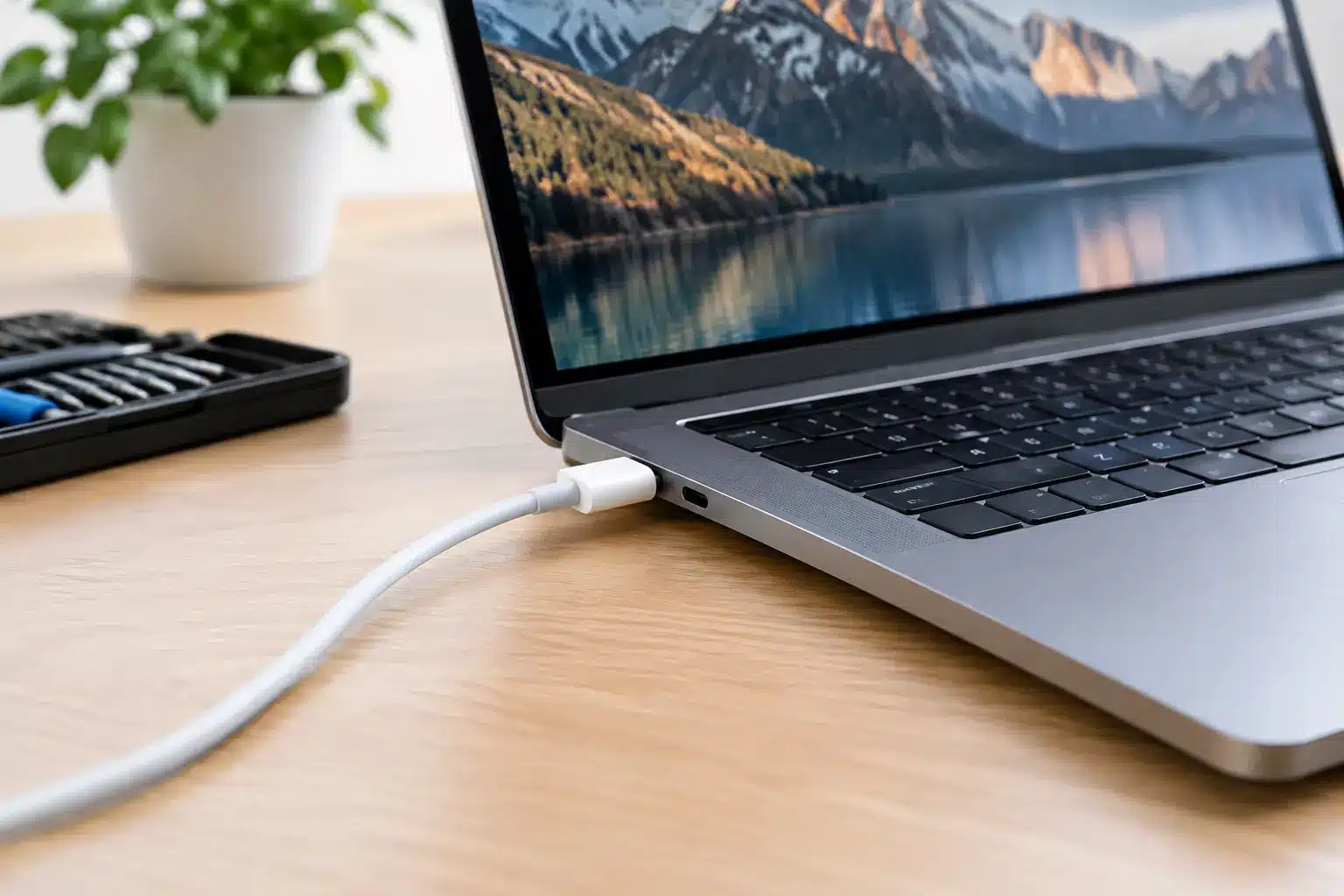
A MacBook that only charges at a certain angle, repeatedly connects and disconnects, or shows no sign of power can stop work, study and everyday life very quickly. So, can a MacBook charging port be fixed? In many cases, yes. The key is identifying whether the fault is actually in the port, the charger, the battery, the charging circuit or damage elsewhere on the board.
The right repair is not always simply replacing a socket. Modern MacBooks are compact machines, and the charging system varies between models. A proper diagnosis prevents money being spent on the wrong part and gives you a clear answer before any repair begins.
Can a MacBook charging port be fixed on every model?
Most charging-port faults can be repaired, but the method depends on your MacBook’s age and design. Older MacBooks with MagSafe charging often have a separate DC-in board or cable assembly. If the port is worn, damaged or affected by corrosion, that part can usually be replaced without replacing the entire logic board.
Many newer MacBooks charge through USB-C or Thunderbolt ports. These ports are used for charging, displays and accessories, so a charging issue can sometimes be caused by the port itself, a small connected board, or the logic board circuitry that manages power. On some models, the USB-C ports are part of a replaceable assembly. On others, more involved board-level repair may be needed.
That does not automatically mean the repair will be expensive or uneconomical. It means the model needs checking properly. A technician should confirm the cause before quoting for a port replacement, particularly where liquid contact or intermittent charging is involved.
Signs the charging port may be the problem
A damaged port is more likely when the charging lead feels loose, only works when held in a particular position, or visibly sits at an odd angle. With USB-C models, you may notice that one port charges but another does not. With MagSafe models, the charger light may fail to come on despite using a known working charger.
Dust and compacted pocket debris can also prevent a plug from seating fully. This is common with USB-C ports, especially if a MacBook has been used in a busy bag alongside crumbs, grit or loose fibres. Cleaning needs care. Metal pins inside the port are delicate, and pushing a pin, paperclip or sharp tool inside can turn a simple blockage into a damaged connector.
There are other clues that point away from the port. If the MacBook charges normally with another compatible charger, the power adapter or cable may be at fault. If it says it is charging but the battery percentage continues to fall, the battery may no longer be accepting enough power. If there is no power, no charging indicator and no response from a confirmed-good charger, the issue could be deeper in the charging circuit.
Why MacBook charging faults happen
Wear is one cause. Repeatedly pulling a cable sideways, using a damaged lead or placing strain on a connector can loosen or damage the port over time. This is particularly relevant when a laptop is charged on a sofa, bed or crowded desk where the cable is easily knocked.
Liquid is another major factor. Even a small spill can leave residue that corrodes components gradually. A MacBook may appear fine immediately after contact with liquid, then develop charging problems days or weeks later. If your device has been exposed to liquid, stop trying different chargers and avoid repeatedly powering it on. Continuing to supply power can worsen the damage.
Using poor-quality or unsuitable chargers can create problems too. USB-C has made charging more flexible, but not every USB-C plug, cable or power adapter delivers the wattage and power profile a particular MacBook needs. A low-power phone charger may show a charging symbol but fail to keep up with normal use. A damaged or non-compliant cable can cause intermittent charging, overheating or no charge at all.
What a proper diagnosis should check
Before a repair is recommended, the charger and cable should be tested with known-good equipment. This quickly rules out one of the most common and least costly causes. The charging port should then be inspected for debris, bent contacts, looseness and signs of moisture or corrosion.
A technician can also check whether the MacBook is receiving power correctly, whether the battery is communicating with the system and whether the charging circuit is behaving as it should. On USB-C models, testing each port matters. One failed port does not necessarily mean all ports, or the whole logic board, have failed.
This step is worth taking because similar symptoms can have very different solutions. A port clean, charging-board replacement, battery repair and logic board repair are not interchangeable jobs. Honest diagnosis is about narrowing the fault down rather than choosing the biggest repair by default.
When repair is worth it
A charging-port repair is usually worthwhile when the MacBook is otherwise reliable, has a healthy screen and keyboard, and still meets your needs for work, university or home use. Replacing a faulty port or charging assembly can extend the useful life of a good machine for years.
The decision becomes more nuanced if there is extensive liquid damage, multiple faults or a very old MacBook that already needs a battery, screen and keyboard. In that situation, it is sensible to compare the expected repair cost with the device’s condition and value. A reputable local repairer should explain the options plainly, including when repair is not the best financial choice.
Data is another reason to act early. If your MacBook still turns on occasionally, back it up while you can. A charging fault can worsen without warning, and having a current backup removes pressure from the repair decision.
Avoid making the fault worse at home
Do not force the charger into the port, bend the cable to make it connect, or use a loose plug as a temporary workaround. These habits can damage the internal contacts further. Avoid blowing moisture into the port and do not use liquids, sprays or household cleaners.
If you suspect debris, switch the MacBook off and use only gentle, non-metallic methods. If the connector still will not seat properly, leave it alone and have it inspected. A short appointment can be far cheaper than repairing a torn port or damaged board caused by DIY probing.
You should also stop using a charger that becomes unusually hot, has exposed wiring, smells burnt or makes a buzzing noise. Replace it with a suitable, good-quality charger rather than risking further damage to the MacBook.
Choosing a local MacBook repair specialist
Charging faults need a repairer who is prepared to test the machine rather than make assumptions from one symptom. Ask what has been diagnosed, which part is believed to be at fault, whether the repair affects data, and what warranty applies to the work. Clear answers are a good sign that the repair is being approached properly.
For customers in Southsea and Portsmouth, iHelp Gadget Repairs offers direct, owner-led diagnostics and repair advice from Dan, with more than 20 years of industry experience behind the work. You are dealing with the person assessing the device, not a call centre or a mail-in process with unclear handovers.
If your MacBook only charges at an angle, has stopped recognising its charger or has been exposed to liquid, do not assume it is beyond repair. Getting the fault checked promptly gives you the best chance of a straightforward fix and gets you closer to using your MacBook normally again.