
Your iPhone is on 2%, the cable only works at a certain angle, or the screen has started flashing after a drop. These are the moments when proper iPhone diagnostics matter. Replacing a part without finding the real cause can waste time and money, particularly when one fault is creating symptoms elsewhere.
A good diagnosis gives you a clear answer before work begins: what has failed, what needs repairing, what can wait and what the likely cost will be. For customers in Southsea and Portsmouth, that means less guesswork and a faster route back to a phone you can rely on.
What iPhone diagnostics actually involve
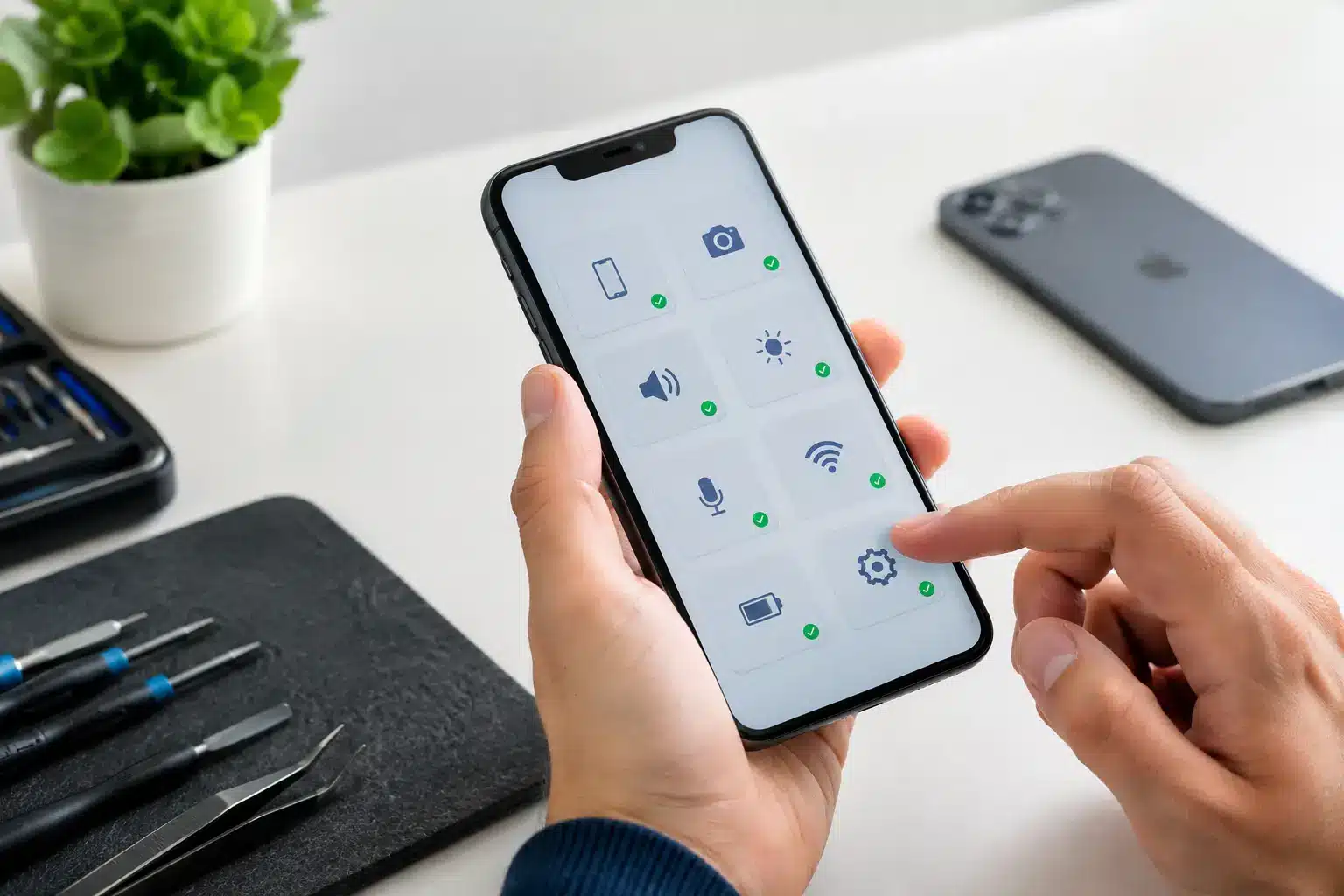
Diagnostics are more than switching the phone off and on again. An experienced repair technician checks how the iPhone behaves, looks for physical clues and tests the affected functions to narrow down the cause of the fault.
That might include checking battery health and charging behaviour, inspecting the charging port for compacted debris or damaged pins, testing microphones, speakers, cameras, buttons and Face ID, and looking for signs of liquid damage. Where a phone has been dropped, the screen may be the obvious issue, but the impact can also affect the battery connector, cameras or internal board connections.
The aim is not to make a problem sound more complicated than it is. Sometimes a charging fault is simply pocket fluff packed into the port. Sometimes it is a worn charging port, a damaged cable, battery deterioration or an issue deeper inside the device. The right repair depends on the evidence.
Common faults found during iPhone diagnostics
iPhone will not charge or charges intermittently
A phone that will not charge is one of the most common reasons people seek help. Before assuming the charging port needs replacing, it is worth ruling out the basics. Test with a known-good cable and plug, and check whether the connector clicks firmly into place. If it feels loose, debris in the port is a likely cause.
If the port is clean but charging still cuts in and out, the fault could be worn internal contacts, a failing battery or charging circuitry. Wireless charging can offer a useful clue. If wireless charging works but a cable does not, attention usually turns to the port or cable connection. If neither works, further testing is needed.
Battery draining too quickly
Battery life naturally reduces over time. A phone that once lasted all day may begin needing a top-up by mid-afternoon after a couple of years. However, rapid battery drain is not always just an ageing battery.
A damaged screen, a background software issue, poor signal strength or an app that is constantly refreshing can also increase power use. A diagnostic check helps distinguish between a battery that needs replacing and a problem that will remain after a new battery is fitted. If the phone is overheating, swelling or shutting down unexpectedly, it should be checked promptly and not charged unattended.
Cracked screen, black display or touch problems
A cracked screen is easy to spot, but the full extent of the damage is not always visible. The display may still light up yet have dead touch areas, lines, black patches or flickering. In other cases, the glass looks intact but the display underneath has failed after an impact.
Testing the screen properly includes checking touch response across the whole panel, brightness, proximity sensor operation and front camera performance. This matters because an iPhone screen repair should restore normal use, not merely cover up the visible damage. Quality replacement parts and a proper fitting make a real difference to reliability.
No sound, poor call quality or microphone issues
If callers cannot hear you, music sounds distorted or the speakerphone has stopped working, the fault may be with a microphone, loudspeaker, earpiece mesh or internal connection. Dirt and moisture can affect sound, especially around the earpiece and lower speaker grilles.
An iPhone has more than one microphone, so the way the problem presents can help identify it. For example, voice notes may sound fine while video recordings do not, or normal calls may be affected only when using speakerphone. Testing each function prevents the wrong component being replaced.
Liquid damage and faults that appear later
A dropped phone is usually obvious. Water damage can be less straightforward. An iPhone may appear to work after being caught in rain, dropped in a sink or exposed to a drink, then develop charging, screen or battery faults days later.
Do not keep charging a phone you suspect has water damage. Power it off if possible and arrange an inspection. Rice is not a repair method, and applying heat can make matters worse. The sooner internal moisture and corrosion are assessed, the better the chance of limiting further damage.
Why a clear diagnosis saves money
It is understandable to want the quickest fix when your phone is part of your work, studies, family life and travel. But a cheap repair based on an assumption can become expensive if it does not solve the problem.
For example, fitting a new battery will not fix a faulty charging port. Replacing a screen will not resolve an internal issue caused by severe impact. Equally, not every problem calls for the most costly repair. A clean-out, software check or cable replacement may be all that is needed.
A trustworthy repair service should explain the findings in plain English and give you the choice. You should know what repair is recommended, why it is needed, how long it is likely to take and what warranty applies before proceeding. If a repair is not economical for the age or condition of the device, honest advice is more useful than pressure to spend.
What to do before bringing in your iPhone
If your iPhone still works, back it up before any repair. iCloud is often the simplest option, although a computer backup is useful where storage or internet access is limited. Backing up protects your photos, messages and important data should the phone deteriorate or need more extensive work.
Remove your case and bring the charger if the issue is related to charging. It can help to make a note of when the fault began, whether the phone was dropped or exposed to liquid, and any error messages you have seen. Small details often speed up diagnosis.
You may be asked to provide your passcode so functions can be tested after repair. Only do this with a repairer you trust, and make sure you understand why access is needed. Find My iPhone may also need to be turned off before certain work can be completed.
Choosing a local repairer for iPhone diagnostics
Speed matters, but it should not replace accountability. Look for a repairer who explains the fault rather than giving a vague estimate, uses appropriate parts and stands behind completed work with a clear warranty.
Local service also makes follow-up straightforward. You can speak to the person handling your device, ask questions before agreeing to a repair and return easily if you need help afterwards. At iHelp Gadget Repairs, customers deal directly with Dan from the first enquiry through to the completed repair, with many common iPhone repairs completed in under 30 minutes.
A quick repair is useful only when it is the right repair. If your iPhone has started charging poorly, losing power, showing display faults or behaving differently after a drop, getting it checked early can often prevent a smaller issue becoming a more disruptive one.