
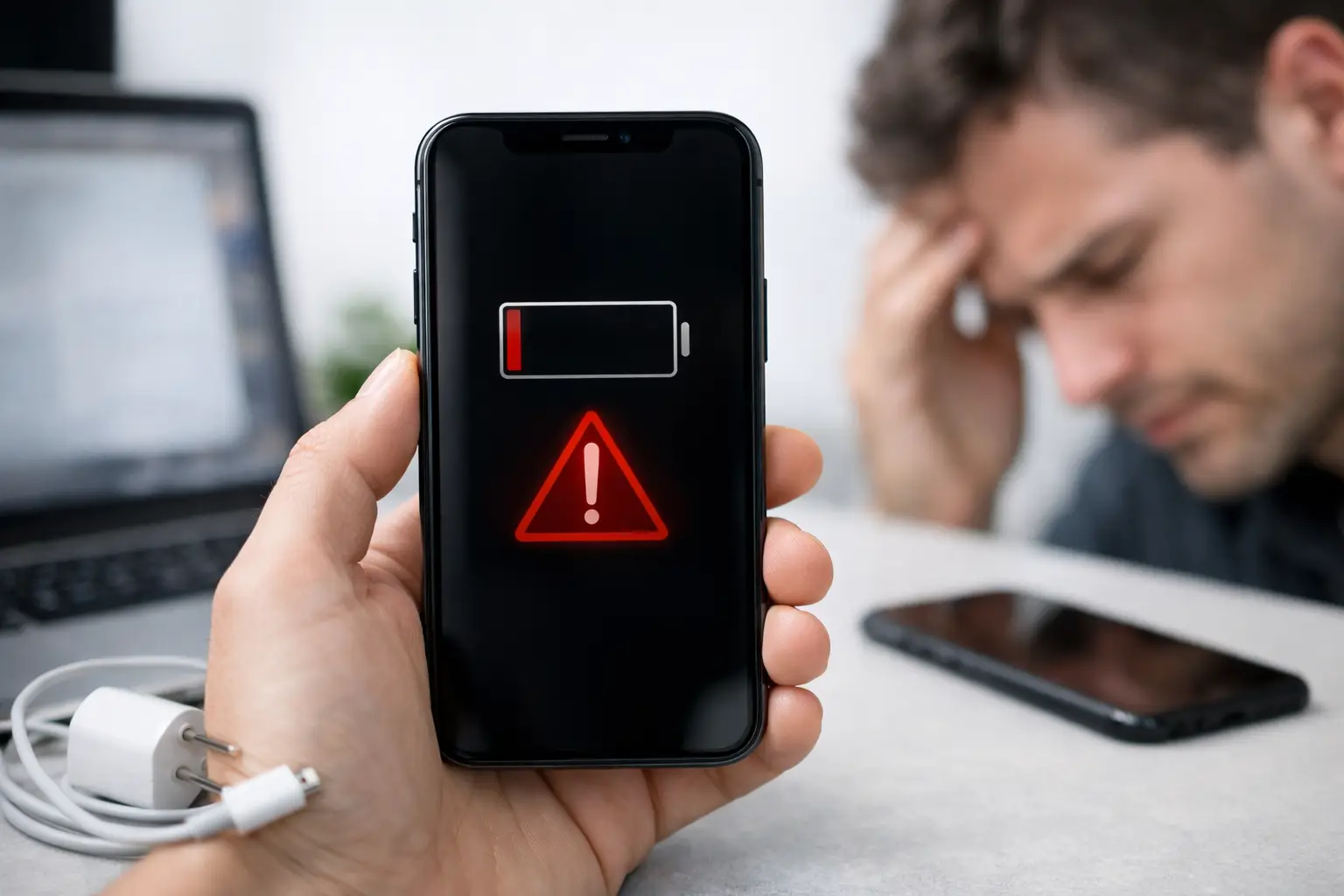
Your iPhone does not need to be completely dead before its battery becomes a problem. A phone that used to last from breakfast until bedtime can gradually start demanding a charger by mid-afternoon, shutting down on the way home or becoming unreliable when you need it most. Knowing the best signs your iPhone battery is failing helps you deal with the fault before it disrupts work, study, travel or family life.
Battery wear is normal. Every rechargeable battery has a limited working life, and its capacity reduces a little with each charge cycle. However, a poor battery is not the only possible cause of power problems. Charging ports, cables, software faults and even damaged screens can sometimes produce similar symptoms. The key is recognising the pattern and getting a proper diagnosis rather than replacing parts on a guess.
Best signs your iPhone battery is failing
1. The battery percentage drops far too quickly
The most common sign is a noticeable change in how long a full charge lasts. Perhaps your iPhone now falls from 100% to 70% during a short commute, or you find yourself carrying a power bank for a phone that previously lasted all day.
Some drain is expected when you are using navigation, streaming video, gaming or taking lots of photos. The concern is when battery life is poor during ordinary use, or when the percentage continues to fall quickly while the phone is sitting idle. If this change has happened gradually over months, battery wear is a likely explanation.
2. Your iPhone shuts down with charge remaining
An iPhone that switches itself off at 20%, 30% or even higher is not behaving normally. As an older battery struggles to deliver power consistently, the phone may shut down to protect itself, particularly in colder weather or while using a demanding app.
You may be able to restart it straight away, only to see a different battery percentage appear. That is a strong clue that the reading and the battery’s real ability to supply power are no longer matching. It is frustrating, but it is also a fault worth addressing quickly if you rely on your phone for calls, tickets, banking or work authentication.
3. It becomes slow or unresponsive under load
A tired battery can affect performance as well as battery life. You may notice apps taking longer to open, the keyboard lagging, the camera taking a moment to respond, or the phone feeling sluggish when its charge is low.
Apple may manage performance on some iPhones when the battery cannot reliably provide peak power. This is intended to prevent unexpected shutdowns, but it can leave an otherwise capable handset feeling older than it is. Before assuming you need a new phone, it is worth checking whether the battery is the issue.
4. Battery Health shows a low maximum capacity
On supported iPhones, go to Settings, then Battery, then Battery Health & Charging. The maximum capacity figure compares the battery’s current capacity with when it was new. There is no single percentage at which every iPhone must have a replacement, because usage matters too, but a figure around 80% or below is a sensible point to consider one.
Pay attention to any service message as well. It can indicate that the battery is significantly degraded or unable to perform as expected. A healthy-looking percentage does not rule out every battery fault, though. If your iPhone is shutting down unexpectedly or will not hold charge, a hands-on diagnostic is still useful.
5. Charging takes longer, stops, or only works at an angle
Slow charging can be a battery symptom, but it is one where careful diagnosis matters. A worn battery may take longer to charge or seem unable to reach 100%. Yet a damaged cable, weak plug, dirty charging port or faulty charging circuit can cause much the same experience.
If the cable only connects when held in a particular position, do not assume a battery replacement will fix it. Pocket fluff often compacts inside the charging port and prevents the connector from seating properly. Equally, if charging cuts in and out with several known-good cables, the port may need attention. An honest repair should identify the cause before recommending the work.
6. The phone gets unusually warm while charging or using simple apps
It is normal for an iPhone to feel warm during a long video call, a game, wireless charging session or software update. It should not regularly become very hot while doing light tasks such as messaging, checking emails or browsing.
Heat accelerates battery wear, and an ageing battery can also generate more heat when working hard. Remove any thick case while charging and avoid leaving the phone in direct sun or a hot car. If the problem continues, especially alongside fast battery drain or shutdowns, have the device checked rather than ignoring it.
7. The battery is swollen or the screen is lifting
This is the sign that should not wait. A swollen battery can push against the display, causing a gap around the screen, lifting at one edge or an iPhone that no longer sits flat. You may also notice the screen becoming harder to press in one area.
Stop charging the phone if you suspect swelling. Do not press the screen back down, puncture the battery or keep using the handset in the hope it will settle. Batteries contain materials that need careful handling. Arrange a professional assessment as soon as possible and keep the phone away from heat and flammable materials in the meantime.
8. The percentage jumps around unexpectedly
A reliable iPhone should show a reasonably steady fall in percentage during use. A few small changes after restarting are not unusual, but jumps such as 55% suddenly becoming 38%, or 10% rising to 24% after plugging in, can point to an ageing or unstable battery.
This can sometimes be improved by updating iOS and restarting the device, particularly if the issue began immediately after an update. But if the behaviour continues for several charge cycles, it is more likely a hardware issue than a display quirk.
9. You are charging more often without changing your habits
This is easy to overlook because battery decline is gradual. Think back to your normal routine. Are you now charging at your desk, in the car and again before bed? Are you avoiding using the camera because it drains too much power? Has your phone become something you manage rather than simply use?
That practical change is often more meaningful than a single battery-health number. When your iPhone no longer fits your day, a replacement battery can be a better-value option than replacing a phone that is otherwise in good condition.
When it may not be the battery
Before booking a battery repair, rule out the straightforward causes. Check for an iOS update, restart the phone, and look in Settings under Battery to see whether a particular app is using an unusual amount of power. Social media apps, background location services and poor mobile signal can all drain charge more quickly than expected.
Try a different quality cable and power adapter if charging is slow. It is also worth inspecting the charging port with a light, without inserting sharp objects into it. Visible lint or a loose connection points more towards a port issue than battery wear.
Water exposure, a recent drop, a non-responsive screen or charging that has stopped altogether can signal a different hardware fault. This is why diagnostics matter. Replacing a battery may improve a worn battery, but it will not repair a damaged charging circuit or a failing port.
Is a battery replacement worth it?
For many people, yes. If the iPhone is otherwise working well, has enough storage and still runs the apps you need, a new battery can give it a useful second life. It is particularly sensible when the alternative is buying a new handset simply because the current one no longer lasts through a shift, lecture or school run.
The decision depends on the model and its overall condition. An older iPhone with a cracked screen, network problems and very limited software support may not justify several repairs. On the other hand, a well-kept phone with only battery-related symptoms is often an excellent candidate for replacement.
At iHelp Gadget Repairs in Southsea, the aim is to give you a clear answer before any work begins. You deal directly with an experienced technician, rather than being passed between a call centre and a repair bench, so you can ask what has been found and whether a battery repair is genuinely the sensible option.
A failing battery rarely chooses a convenient moment. If your iPhone is becoming unreliable, arranging a proper check now can spare you the dead phone moment when you are trying to pay, travel, call home or get through a busy day.