
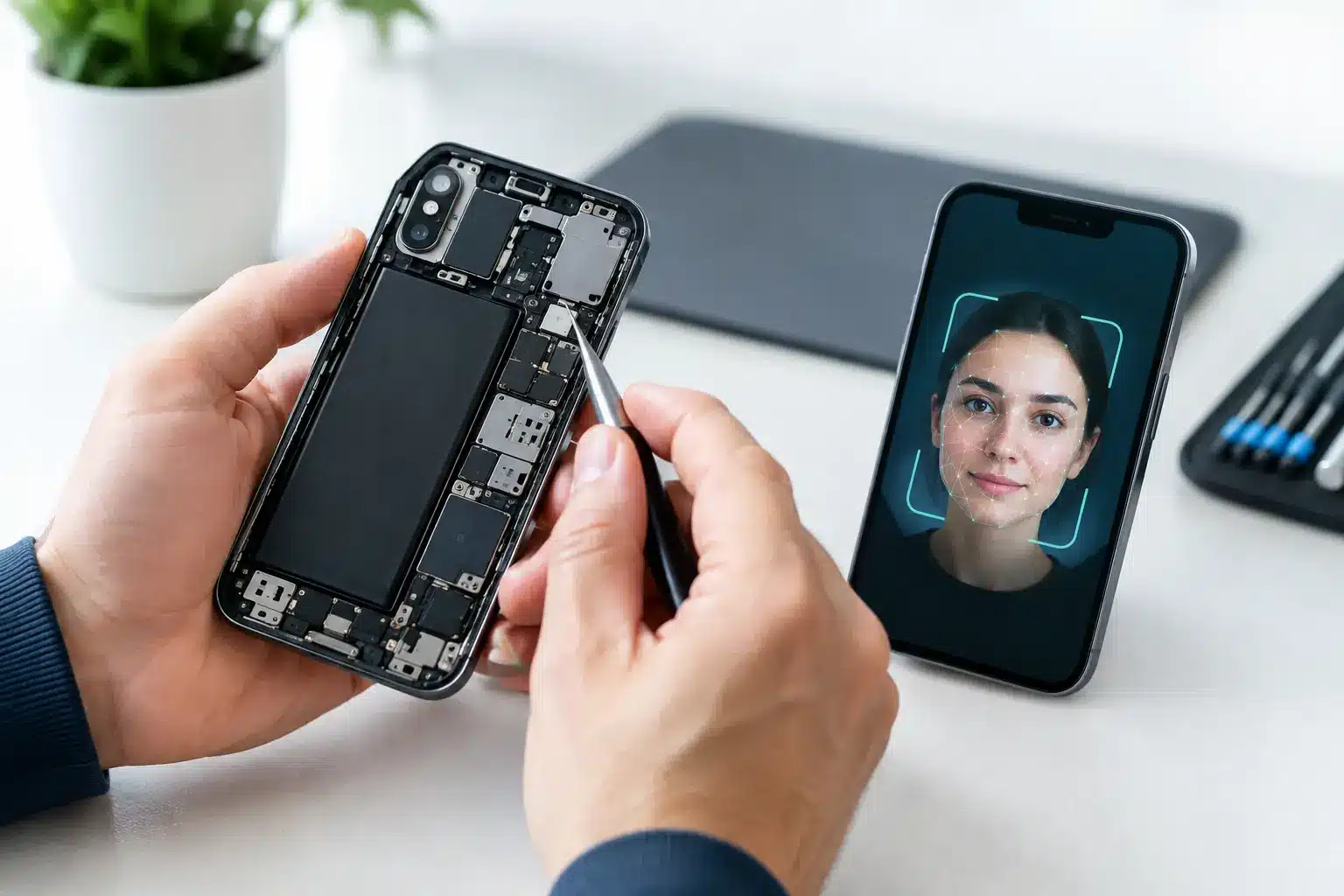
Face ID repair is not the same as replacing a cracked screen or worn battery. Apple’s facial recognition system relies on several finely matched components at the top of the iPhone, so the right repair depends on exactly what has failed, why it failed and what has happened to the phone before it reaches the workbench.
If Face ID has stopped working, it is tempting to assume a reset will sort it. Sometimes a settings issue is the cause, but a message such as “Face ID is not available” often points to a hardware fault. A proper diagnostic is the sensible place to start, particularly if you need your iPhone for work, study, banking and everyday communication.
Why Face ID stops working
Face ID uses Apple’s TrueDepth camera system. This includes an infrared camera, a flood illuminator and a dot projector, alongside front-facing camera and sensor components. Together, they create and read a detailed map of your face. The process happens quickly when it is working properly, but it is not a simple single-camera setup.
The most common reason for a failure is physical damage. A drop can affect the delicate flex cables and sensors around the earpiece area, even when the screen itself only looks lightly cracked. Water exposure can also corrode connections over time. The phone may continue to charge, call and take photos, while Face ID fails because one small part of the TrueDepth system is no longer communicating correctly.
Previous repairs can be relevant too. During a screen replacement, the original earpiece speaker and front sensor assembly must be handled carefully and transferred correctly. Damage to this assembly, torn flex cables or an incorrectly fitted screen can leave Face ID unavailable. This does not mean every non-Apple screen repair causes a problem, but it does show why workmanship matters.
Software can occasionally be responsible. An iOS update, incomplete setup, blocked camera area or a temporary system error may stop Face ID from behaving as expected. Before assuming the worst, check that the front camera area is clean, remove any obstructive screen protector, restart the iPhone and try setting up Face ID again in Settings. If the option is greyed out or setup repeatedly fails, a hardware inspection is usually needed.
Face ID repair is more specialised than most repairs
A standard screen replacement involves removing a damaged display and fitting a quality replacement. Face ID repair is different because key parts of the TrueDepth system are paired to the iPhone’s original logic board. Simply fitting a replacement sensor from another phone will not normally restore the feature.
That pairing is designed to protect security. It helps ensure that the facial data used to authorise purchases, open apps and unlock your phone stays protected. The trade-off is that a repairer must identify whether the original component can be preserved or repaired rather than treating it as a straightforward swap.
In some cases, the fault is in an original flex cable, connection or related component that can be repaired by a specialist with the right equipment and experience. In other cases, the damage is too severe, or the failed part is not practical to repair independently. The answer depends on the iPhone model, the component affected and the condition of the original parts.
An honest repair service should explain this clearly before work begins. No one should promise that every Face ID fault can be fixed without first diagnosing the device. A realistic assessment is more useful than a low headline price followed by an unexpected change of plan.
What a technician should check first
A good diagnosis goes beyond seeing the error message. The phone should be checked for obvious screen damage, signs of liquid ingress, distorted housing, missing shields and evidence of previous work. Diagnostic testing can help identify whether the issue is likely linked to the dot projector, flood illuminator, infrared camera or the connections that support them.
The front camera should also be tested. A working selfie camera does not guarantee Face ID will work, as these functions use different elements of the front assembly. Equally, a failed front camera can provide a useful clue that the problem is wider than the Face ID setting alone.
The technician should also ask what happened before the fault appeared. Did it stop after a drop? Was the screen recently replaced? Did the phone get wet? Did Face ID fail immediately after an update, or gradually over several days? These details can narrow down the likely cause and avoid unnecessary work.
Can Face ID fail after a screen repair?
It can, but it should not happen when the original front sensor assembly is transferred carefully and remains undamaged. The assembly is delicate, and it is attached to the display area on many iPhone models. Rushing the job, using poor tools or pulling on the flex cable can damage it.
This is one reason the cheapest repair is not always the best value. A screen may look fine once fitted, but the real test is whether every function still works: brightness control, proximity sensing, earpiece audio, front camera performance and Face ID. A repair should return the phone to you properly tested, not merely switched on.
There is also a difference between a repair that preserves Face ID and a repair that restores Face ID after it has already failed. Preserving the original working system during a screen repair is usually far more straightforward. Restoring a TrueDepth fault requires a separate assessment and may involve specialist-level work.
Avoid these common Face ID repair mistakes
The first mistake is repeatedly resetting the phone in the hope of solving a physical fault. Restarting and updating iOS are reasonable checks, but a factory reset can create disruption without repairing damaged hardware. Make sure you have a current backup before taking bigger steps.
The second is buying a used front sensor assembly online and expecting it to work as a direct replacement. Because Face ID components are security-paired, this approach can leave you with the same error and less money in your pocket. It can also complicate later diagnosis if original parts have been removed or further damage occurs during fitting.
The third is ignoring a Face ID fault after water damage. Corrosion does not always cause an immediate complete failure. It may begin with intermittent problems, then worsen as moisture affects connections. Acting early gives a technician the best opportunity to inspect the phone before further damage develops.
Finally, do not rely on a repair quote that has no explanation behind it. Ask whether the price includes diagnosis, whether the repair aims to retain the original Face ID components and what happens if the fault proves unrepairable. Clear answers are a good sign that the repair is being approached properly.
Choosing a local repairer in Portsmouth
For a problem this specific, it helps to speak directly with the person assessing your phone. You should be able to describe the fault, understand the likely options and receive straightforward advice before authorising work. That is particularly valuable when you cannot afford to be without your handset for days or send it away without knowing who is handling it.
At iHelp Gadget Repairs in Southsea, diagnostics are approached with that practical mindset. You deal directly with Dan, so there is no handoff between a call centre, a shop counter and an unknown repair bench. The goal is to establish whether a repair is sensible, explain the risks and costs clearly, and protect the functions that matter on your iPhone.
Face ID is a security feature as well as a convenience feature, so do not settle for guesswork. If it has stopped working after a drop, liquid exposure or a previous screen repair, bring the phone in for a proper assessment. A clear diagnosis gives you the best chance of making the right decision for your device and your budget.