
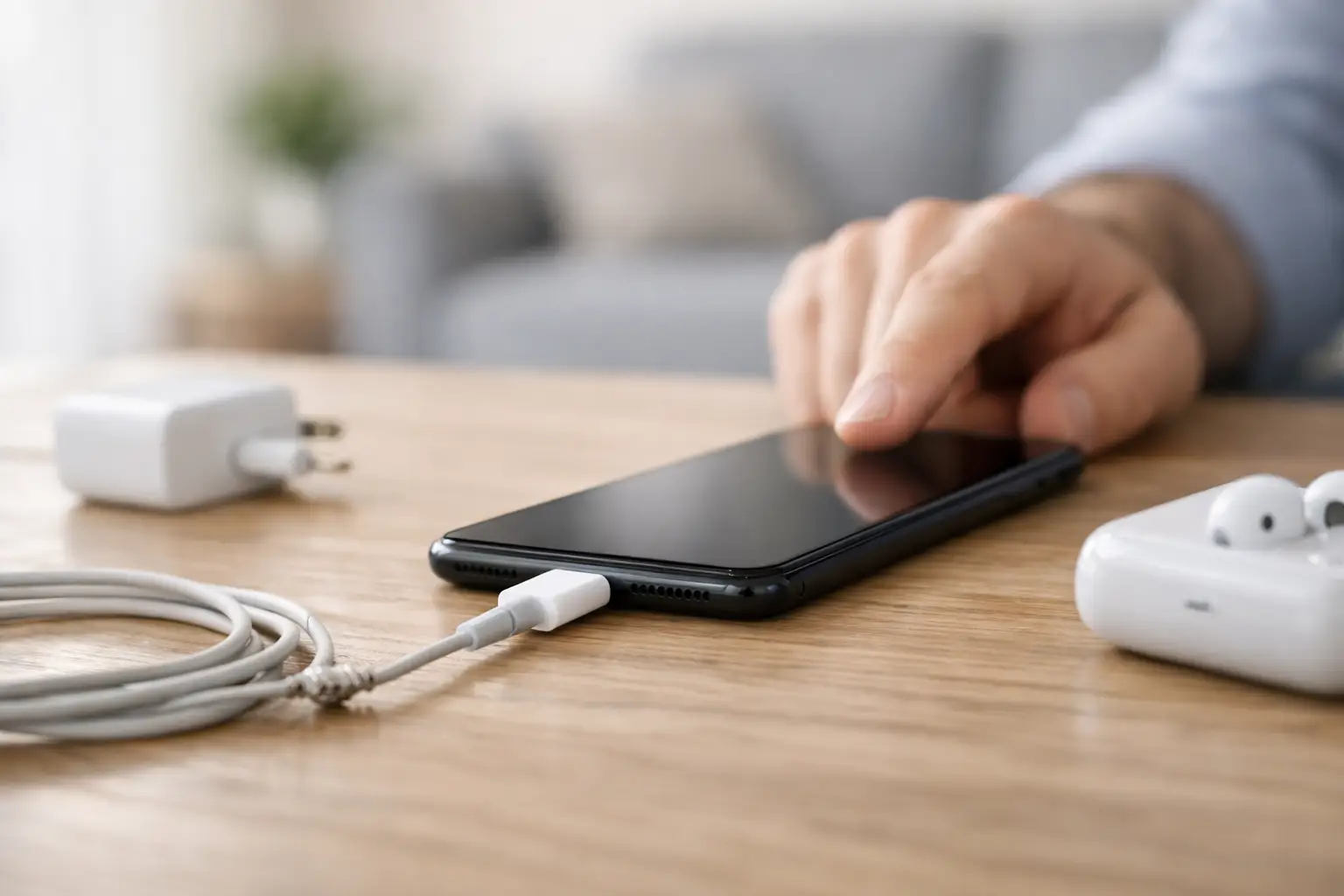
Your phone says it is charging, but the battery percentage barely moves. Or it only charges if you hold the cable at a strange angle. If you are asking, why is my phone not charging properly, the fault is usually more specific than people think – and getting that right matters if you want to avoid wasting money on the wrong fix.
Some charging problems are simple. A worn cable, a blocked charging port or a faulty plug can all cause slow, intermittent or failed charging. Others point to a deeper hardware issue, such as a damaged charging port, battery wear, board-level fault or liquid damage. The key is not to guess too quickly, because the symptoms often overlap.
Why is my phone not charging properly? Start with the obvious
Before assuming the phone itself is faulty, look at the charging setup around it. In day-to-day use, cables are usually the first thing to fail. They get bent near the connector, crushed in bags, tugged out of sockets and used with little splits in the insulation that are easy to miss. A cable can still look fine but deliver inconsistent power.
Plugs and charging adapters also cause problems more often than people expect. Cheap replacements may not provide stable output, and even branded plugs can fail over time. If your phone charges properly with a different cable and plug, that points away from the handset and towards the accessories.
It is also worth trying a different wall socket. It sounds basic, but it rules out an issue with the power source in seconds. If you usually charge through a laptop, car adapter or extension lead, switch to a direct wall charger and see whether behaviour improves.
A blocked charging port is one of the most common causes
Phone charging ports collect fluff, dust and pocket debris surprisingly quickly. If you carry your phone in jeans, workwear or a bag, compacted debris can build up inside the port and stop the cable from making a proper connection. This often causes charging to cut in and out, or only work when the lead is pushed in firmly.
A blocked port can feel like a loose charger, but the fault is different. The cable is not necessarily loose because the port is broken. Sometimes it is being stopped from seating fully by a layer of compacted fluff at the back of the port.
You can inspect the port carefully under a good light. If you can see obvious debris, do not go digging around with anything metal. That is how charging pins get bent or shorted. A lot of ports that should have been simple cleans end up needing repair because someone had a go with a pin, paperclip or kitchen knife.
Slow charging does not always mean the same thing as not charging
Many people say their phone is not charging when it is actually charging too slowly to keep up with use. If the screen is on, brightness is high, multiple apps are running and the phone is getting warm, the battery may only gain charge very slowly. In some cases it can stay on the same percentage for ages, which makes it look broken.
Fast charging also depends on the right combination of cable, plug and phone. Use the wrong adapter and your handset may still charge, but much more slowly than normal. That can be especially noticeable if you have recently swapped chargers or started using a spare one from another device.
Heat plays a part too. If a battery gets too warm, the phone may reduce charging speed to protect itself. This is common during hot weather, heavy app use, gaming, video calls or charging under a pillow or duvet. The phone is not necessarily faulty, but the charging conditions are poor.
Battery wear can look like a charging issue
Older batteries often create confusing symptoms. The phone may charge erratically, stop at a certain percentage, drain rapidly after unplugging, or shut down even though there appears to be charge left. People naturally blame the port or charger first, but sometimes the battery itself is simply worn out.
This is particularly common on phones that are a few years old or used heavily every day. Batteries are consumable parts. They degrade over time, and once that wear reaches a certain point, charging becomes less reliable. You might notice the phone gets hot while charging, loses power quickly, or jumps from one battery percentage to another.
That said, battery symptoms and charging-port symptoms can overlap. A proper diagnosis matters here, because replacing a battery will not solve a damaged port, and replacing a port will not revive a failing battery.
Water damage and corrosion are often hidden
Not all liquid damage is dramatic. A phone does not need to be dropped in the sea to develop charging trouble. Rain, condensation, steam from a bathroom, a drink spill or moisture in a bag can all affect the charging port or internal components. Sometimes the phone works normally for a while, then charging becomes intermittent days later as corrosion develops.
If you have seen a moisture warning, if the cable connection feels odd after exposure to liquid, or if charging stopped shortly after contact with water, it is best not to force it. Continuing to plug in a damp or corroded port can make the damage worse.
Rice is not the fix people hope it is. It does not remove corrosion from charging pins or repair damaged components. It may dry the outside while leaving the real issue inside the handset.
Software can interfere, but it is less common than hardware
Now and then, charging problems are caused by software behaviour rather than a physical fault. A recent update, background app activity or battery health management feature can make charging appear unusual. Some phones also pause charging at certain percentages to preserve battery lifespan, especially overnight.
A restart can help if the issue has appeared suddenly and there is no obvious physical cause. Checking whether the phone still behaves the same way with a different cable and charger is useful as well. If everything external has been ruled out and the phone still charges inconsistently, the problem is more likely to be hardware.
What you can safely check at home
If your phone is not charging properly, keep the process simple. Test a known good cable and plug. Try a different power socket. Check the charging port under a light for visible debris. Remove any thick case that may be stopping the connector from sitting correctly. If the phone feels very hot, let it cool down before charging again.
What you should avoid is just as important. Do not force the cable into the port. Do not scrape inside with metal tools. Do not keep bending the lead around to find a charging angle and hope for the best. That often turns a worn connection into a fully damaged one.
Wireless charging can also be a helpful test if your phone supports it. If wireless charging works but cable charging does not, that usually points towards the port or related circuitry rather than the battery itself. It is not a complete diagnosis, but it narrows things down.
When the charging port itself is damaged
A damaged charging port often shows clear patterns. The cable may feel loose. Charging may start and stop with the slightest movement. The phone may only connect on one side, or not at all. In other cases, the port looks visibly worn, with bent pins or signs of corrosion.
This is not a fault that improves with time. If anything, it tends to get worse because the connection is under repeated strain every day. The earlier it is checked, the better the chance of a straightforward repair before further wear affects the surrounding components.
For local customers in Portsmouth and Southsea, this is usually where a proper diagnostic saves time. At iHelp Gadget Repairs, the aim is to identify whether the issue is the cable, port, battery or something more involved before any repair is recommended. That is a better outcome than swapping parts on guesswork.
Why a proper diagnosis saves money
Charging faults are one of those problems where online advice can be partly right and still not help your phone. One person fixes their issue with a new cable, another needs a battery, and someone else has a board-level fault after liquid damage. The symptom sounds the same, but the repair is different.
That is why the best approach is practical rather than dramatic. Rule out the accessories. Check for debris. Notice whether the issue is slow charging, intermittent charging or no charging at all. Pay attention to heat, battery drain and whether the port feels physically loose. Those details make diagnosis faster and more accurate.
If the problem keeps returning, if the charger only works at an angle, or if your battery is draining faster than it charges, it is time to stop experimenting. A charging issue rarely fixes itself, and repeated plugging, unplugging and forcing the connection can lead to a more expensive repair later.
A phone that does not charge properly is disruptive enough without the added frustration of trial and error. Often the fix is straightforward once the real cause is identified, and getting it checked early is usually the quickest way back to a phone you can trust.