
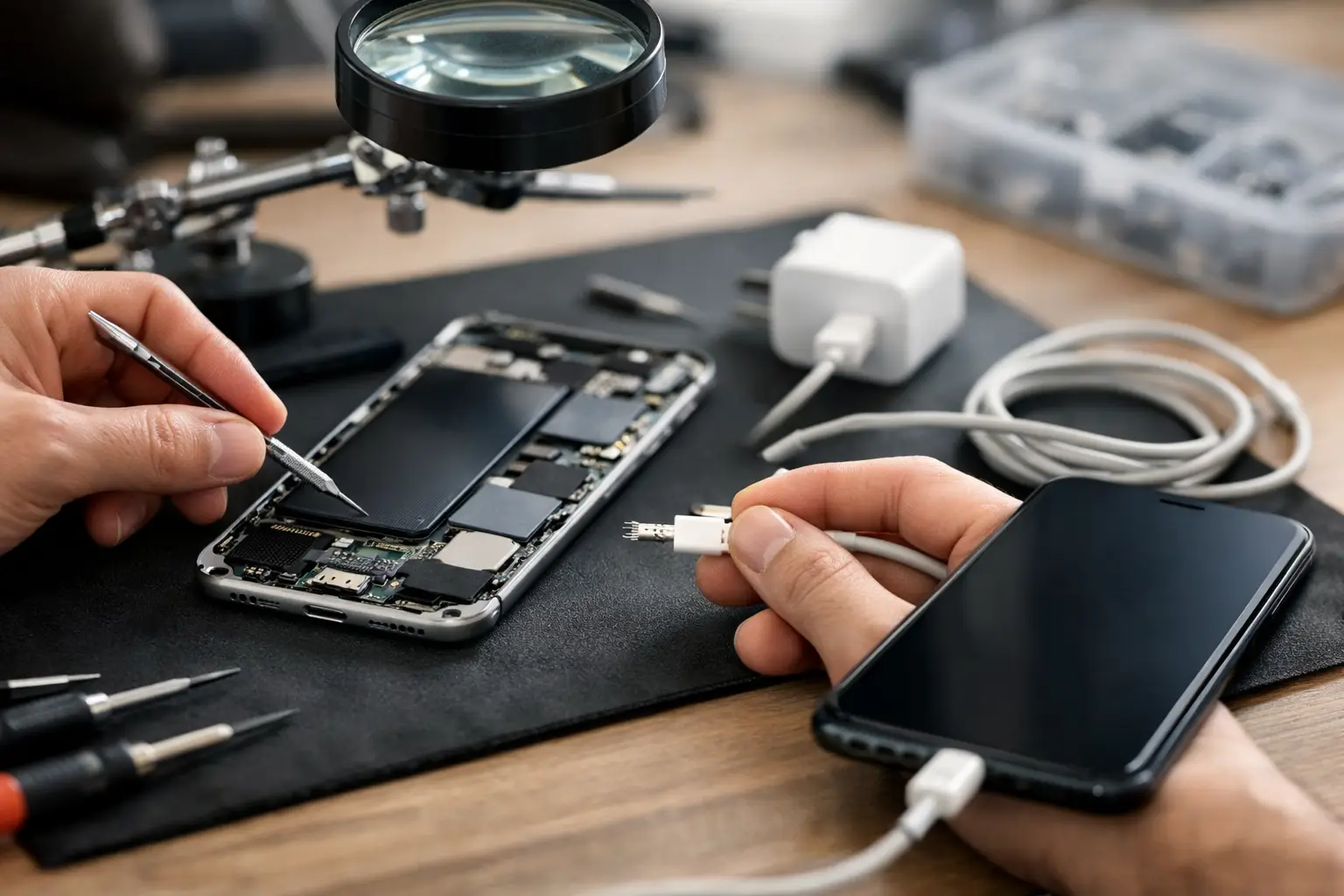
You usually notice a charging fault at the worst possible moment – when you are heading to work, waiting for an important call, or trying to get out the door with 3 per cent battery left. A phone charging issue repair can be straightforward, but it can also point to a worn charging port, battery trouble or board-level damage. The key is knowing what you can safely check yourself and when it makes more sense to have the phone properly diagnosed.
What causes charging problems in the first place?
Most charging faults come down to a handful of common issues. The charging cable may be damaged, the plug adapter may have failed, or the port itself may be blocked with compacted dust and pocket fluff. That is especially common if the phone lives in a jeans pocket, handbag or work bag every day.
Then there are the less obvious faults. Batteries degrade over time, so a phone may appear not to charge properly when the battery can no longer hold current as it should. Software can also interfere. After an update, some handsets start charging slowly, stop recognising certain cables, or show erratic battery readings.
Finally, there is physical damage. A drop can loosen the charging port, even if the screen is fine. Liquid exposure is another frequent culprit. Sometimes the phone still turns on and looks normal, but corrosion inside the port or on the board starts causing unreliable charging soon after.
Before booking a phone charging issue repair
A few basic checks can save time and, in some cases, money. Start with the cable and plug. Try another charging lead and a different wall adapter that you know works with another device. If wireless charging is available on your phone, test that as well. If wireless charging works but cable charging does not, the fault is often isolated to the port or charging circuit.
Next, inspect the port carefully under good light. If you can see debris packed inside, that may be stopping the cable from seating properly. Be careful here. A lot of charging ports are damaged by well-meaning DIY attempts using pins, knives or anything metal. The port pins are delicate, and once they are bent or snapped, the repair becomes more involved.
It is also worth restarting the phone and checking whether it charges when powered off. If it charges while switched off but not while running normally, software or excessive background activity may be part of the problem. That does not always mean the phone only needs a settings tweak, but it helps narrow things down.
If the handset has recently been dropped, exposed to water, or started getting unusually hot while charging, those details matter. They often point to a hardware fault rather than a simple blocked port.
Signs the charging port is likely the problem
A worn or damaged charging port tends to behave in fairly recognisable ways. The cable may feel loose, the phone may only charge if the lead is held at a certain angle, or charging may cut in and out with the slightest movement. In many cases, customers say they have been through several cables in a short time, when the real issue is the port no longer gripping properly.
Dirt build-up can create similar symptoms, which is why proper inspection matters. A blocked port can stop the connector from clicking into place fully. Once the debris is removed safely, charging may return to normal. If the port is physically damaged, though, cleaning will not solve it.
This is where experience makes a difference. A proper diagnostic can tell whether the issue is just contamination, a failed charging flex, a battery fault, or a deeper board-level problem. Without that, people often replace the wrong part first and end up spending more than they needed to.
When the battery is the real issue
Not every charging fault is actually a charging fault. Sometimes the phone is receiving power, but the battery is too degraded to charge efficiently or hold that charge for long. That can look like slow charging, random shut-offs, battery percentage jumps, or a phone that says it is charging but gains almost no usable power.
This tends to be more common in older devices that have had heavy daily use. If your phone has been through a couple of years of constant charging cycles, commute use, sat-nav use and streaming, battery wear is expected. In those cases, replacing the port would not fix the underlying problem.
There is also a middle ground. A phone can have both a weak battery and a worn charging port. That is why a proper diagnosis is more useful than guessing based on one symptom alone.
Why DIY phone charging issue repair can go wrong
There is nothing wrong with checking your cable, adapter and basic software settings. Beyond that, DIY gets risky quickly. Charging ports are small, fragile components, and modern phones are tightly assembled. Opening them without the right tools can damage the screen, tear internal flex cables, or compromise the water-resistant seals.
Battery replacement can be even less forgiving. Damaged lithium batteries are a safety risk, and poor-quality replacement parts often create more problems than they solve. A cheap fix can leave you with overheating, poor battery life, warning messages or charging that is still unreliable.
The bigger issue is misdiagnosis. Many people assume the port needs replacing because the phone will not charge, when the real fault is on the charging circuit, battery line, or logic board. Swapping parts without certainty can waste time and money, especially if you need the phone back in service quickly.
What a professional repair should include
A good repair service should not jump straight to replacing parts without checking the basics first. It should start with diagnosis. That means confirming whether the fault is caused by debris, cable incompatibility, a damaged charging port, battery deterioration or internal board damage.
Transparency matters as well. You should know what has failed, what the repair involves, how long it is likely to take and what warranty comes with the work. That is particularly important with charging problems because there can be more than one possible cause, and the cheapest apparent fix is not always the right one.
For local customers in Portsmouth and Southsea, speed matters too. Most people cannot send a phone away for days and hope for the best. They need a repair option that is nearby, clearly explained and handled by someone accountable if questions come up afterwards. That is one reason many people prefer dealing directly with an independent repair specialist rather than a larger chain or mail-in service.
Phone charging issue repair for iPhone and Android
The broad symptoms are often similar across brands, but the repair route can vary. iPhones commonly come in with compacted lint in the port, worn connectors or battery-related charging complaints. Android devices can present the same faults, but model design, part availability and charging standards differ more widely from one manufacturer to another.
USB-C ports, for example, are now common across many Android phones and newer devices generally, but they are not all equally durable. Some are easier to replace than others. On certain models the charging port is a more modular part, while on others it is tied into a larger assembly, which can affect cost and turnaround time.
That is why it helps to have the exact model checked rather than relying on a rough online estimate. Two phones with the same symptom can require very different repairs.
When to stop troubleshooting and get it looked at
If you have already tried a known-good cable and plug, restarted the phone, and checked for visible debris, it is usually time for a proper inspection. The same applies if the cable only works at one angle, charging is intermittent, the phone is getting hot, or there has been any recent drop or liquid exposure.
Waiting too long can turn a manageable repair into a more serious one. A damaged port can worsen with repeated use. Corrosion from moisture can spread. A failing battery can become more unstable. None of that improves by forcing the charger in harder or hoping the problem sorts itself out.
At iHelp Gadget Repairs, the focus is on giving people a clear answer quickly, with straightforward advice and repair options that make sense for the device in front of you. Sometimes it is a simple clean-out. Sometimes it needs a new part. Either way, the best result usually starts with a proper diagnosis rather than a guess.
If your phone is charging on and off, taking hours to gain battery, or not charging at all, the most useful next step is not another bargain cable from the corner shop. It is getting the fault checked properly so you know exactly what you are dealing with.