
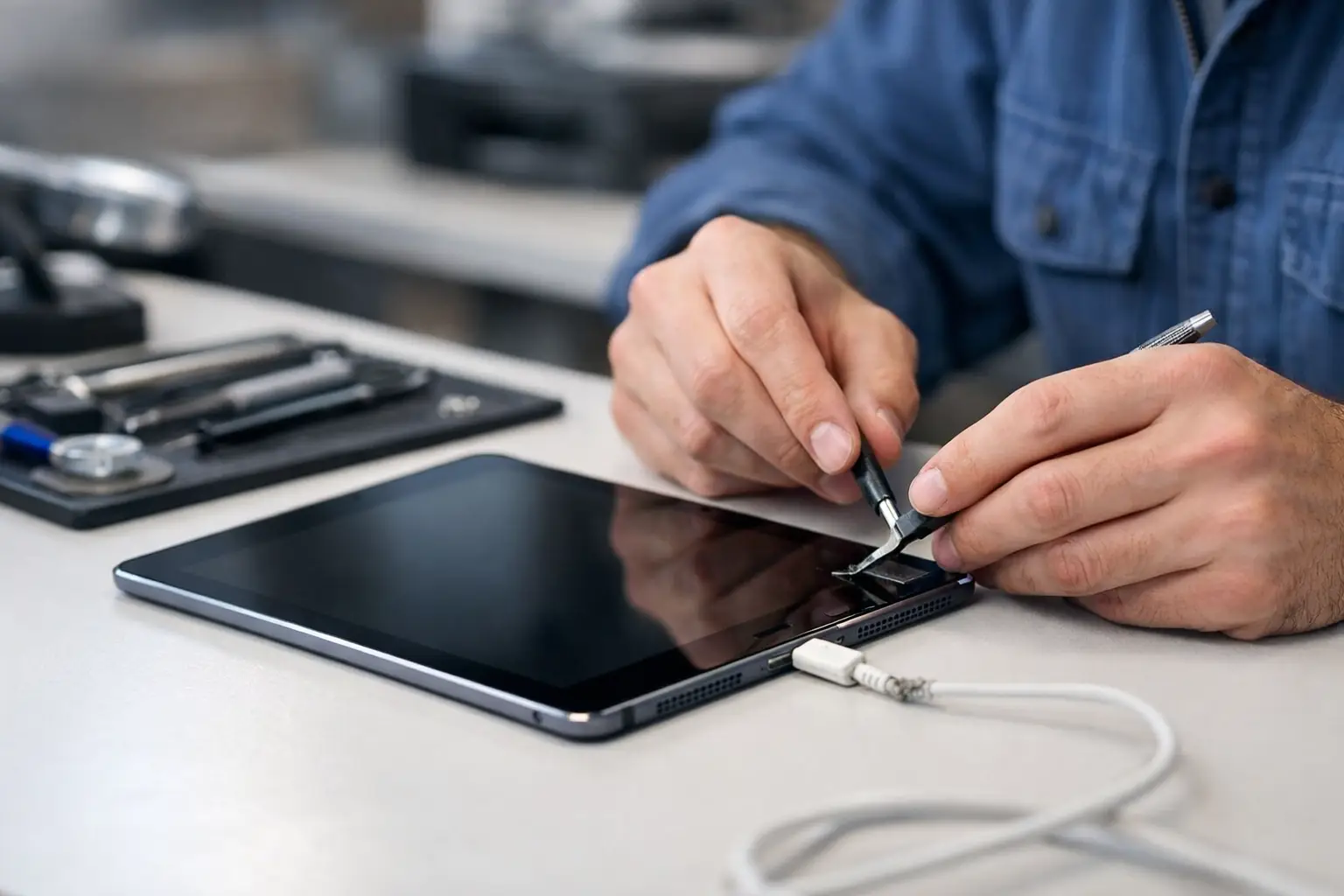
A charging fault can make an iPad feel far more broken than it is. Whether it is needed for university work, shift patterns, children’s school apps or keeping in touch with family, iPad charging repair Portsmouth customers need should start with a proper diagnosis – not a guess and not an unnecessary replacement.
Sometimes the fix is straightforward: compacted pocket fluff in the charging port, a worn cable or a damaged plug. Other times, the issue sits inside the device, such as a failing charging port, battery fault or damage to the charging circuit. Knowing the difference protects both your iPad and your wallet.
What causes iPad charging problems?
An iPad that will not charge is not always suffering from a failed battery. The cable and plug should be the first things to rule out, particularly if the cable bends sharply near either connector, only works at a certain angle or feels loose in the port. Apple-certified or good-quality replacement cables are worth using here. Cheap, poorly made leads can charge inconsistently and may make a genuine fault harder to identify.
The charging port is another common cause. iPads spend plenty of time in bags, pockets and on desks, and debris can gradually pack into the bottom of the port. The connector may still appear to fit, but it cannot reach the contacts properly. If your cable no longer clicks in securely, or slips out with little pressure, debris or port wear may be involved.
Battery condition also matters. Batteries naturally lose capacity over time, especially on an iPad used daily or left in hot cars, direct sun or cold environments. A worn battery may charge very slowly, stop at a certain percentage, drain quickly after charging or refuse to start without being connected to power.
Less commonly, the fault may be on the internal board. This can follow liquid damage, a heavy drop, use of a damaged charger or an electrical surge. These faults require careful assessment because replacing a port or battery will not resolve a board-level issue.
Quick checks before booking an iPad charging repair in Portsmouth
A few sensible checks can help establish whether the problem is external. Try a known-good cable and plug, ideally one that successfully charges another device. Use a wall socket rather than a laptop USB port, as a computer may not provide enough power for an iPad, particularly while it is in use.
Inspect the port in good light. If you can see lint or dirt, do not push in pins, needles, paper clips or anything metallic. It is easy to damage the delicate contacts or create a short. A repair specialist can clean and inspect the port safely as part of a diagnosis.
A forced restart can also help if the iPad is unresponsive but has some charge remaining. On newer models, press and release volume up, press and release volume down, then hold the top button until the Apple logo appears. On models with a Home button, hold the Home and top buttons together until the logo appears. This will not fix a damaged port, but it can clear a temporary software issue.
If the iPad displays a charging symbol but the battery percentage does not rise, avoid leaving it connected for days in the hope it will recover. Persistent slow charging can point to a weak power source, a battery issue or a fault that needs checking before it worsens.
Why diagnosis matters before a repair
The same symptom can have several causes. An iPad that only charges when the lead is held to one side may need port cleaning, a replacement port or, in some cases, investigation of the surrounding internal connection. An iPad that charges normally but shuts down at 30 per cent is more likely to have a battery-related problem. Neither should be treated as a one-size-fits-all repair.
A worthwhile diagnosis considers the model, charging behaviour, physical condition and history of the device. Has it been dropped? Exposed to moisture? Has charging become gradually less reliable, or did it stop suddenly? These details help narrow down the fault and allow the repair to be priced clearly before work begins.
This is particularly important with modern iPads. Their compact construction means the screen, battery and charging components are tightly fitted together. Opening one without the right tools or experience can damage the display, flex cables or casing. A low initial quote is not much of a saving if it leads to further repairs afterwards.
Repair or replace: what is the sensible choice?
For many Portsmouth households, repairing an iPad is the practical option. A newer model with a charging-port fault or tired battery may have years of useful life left, and repair costs are often more reasonable than replacing the device outright. This can be especially useful for students, families with more than one device and anyone using an iPad for work.
It depends on the age and condition of the iPad. If it has a severely damaged screen, a weak battery, liquid damage and an older operating system, putting money into several repairs may not offer the best value. A good repair service should be honest about that rather than pushing work that does not make financial sense.
Before approving a repair, ask what fault has been found, what part is proposed, whether the price includes labour, and what warranty applies to the work. Clear answers matter. They give you a realistic expectation of the repair and make it easier to decide whether to proceed.
What to expect from a local charging repair service
Using a local specialist means you can speak directly to the person handling your device, rather than sending it away and waiting for updates from a call centre. That direct contact is useful when a fault is not obvious, as you can explain exactly what has happened and ask questions before authorising work.
At iHelp Gadget Repairs in Southsea, customers deal directly with Dan from enquiry to completion. With more than 20 years of industry experience, the focus is on identifying the actual issue, using quality or genuine parts where appropriate, and being clear about the options available. Not every iPad charging repair can be completed while you wait, as the model and fault determine the process, but local assessment avoids the uncertainty of a mail-in repair.
It is sensible to back up your iPad before any hardware work where possible. If it still turns on, use iCloud or a computer to save your photos, notes and important files. If it will not power on, let the technician know that data is important. A charging repair does not normally require data removal, but a backup is always the safest position.
Do not ignore warning signs
Stop using the charger and arrange an assessment promptly if the iPad becomes unusually hot, the screen begins lifting from the frame, there is a burning smell, or the battery appears swollen. A swollen battery needs professional attention and should not be pressed back into place or charged repeatedly.
Likewise, if the iPad has had contact with liquid, avoid plugging it in to “test” it. Power running through moisture-damaged components can increase the damage. Switch it off if possible and get advice quickly.
A loose cable, slow charge or intermittent connection may seem manageable for a while, but these faults rarely improve on their own. Getting a clear diagnosis early can turn a frustrating daily problem into a straightforward repair – and get your iPad back to doing the jobs you rely on it for.