
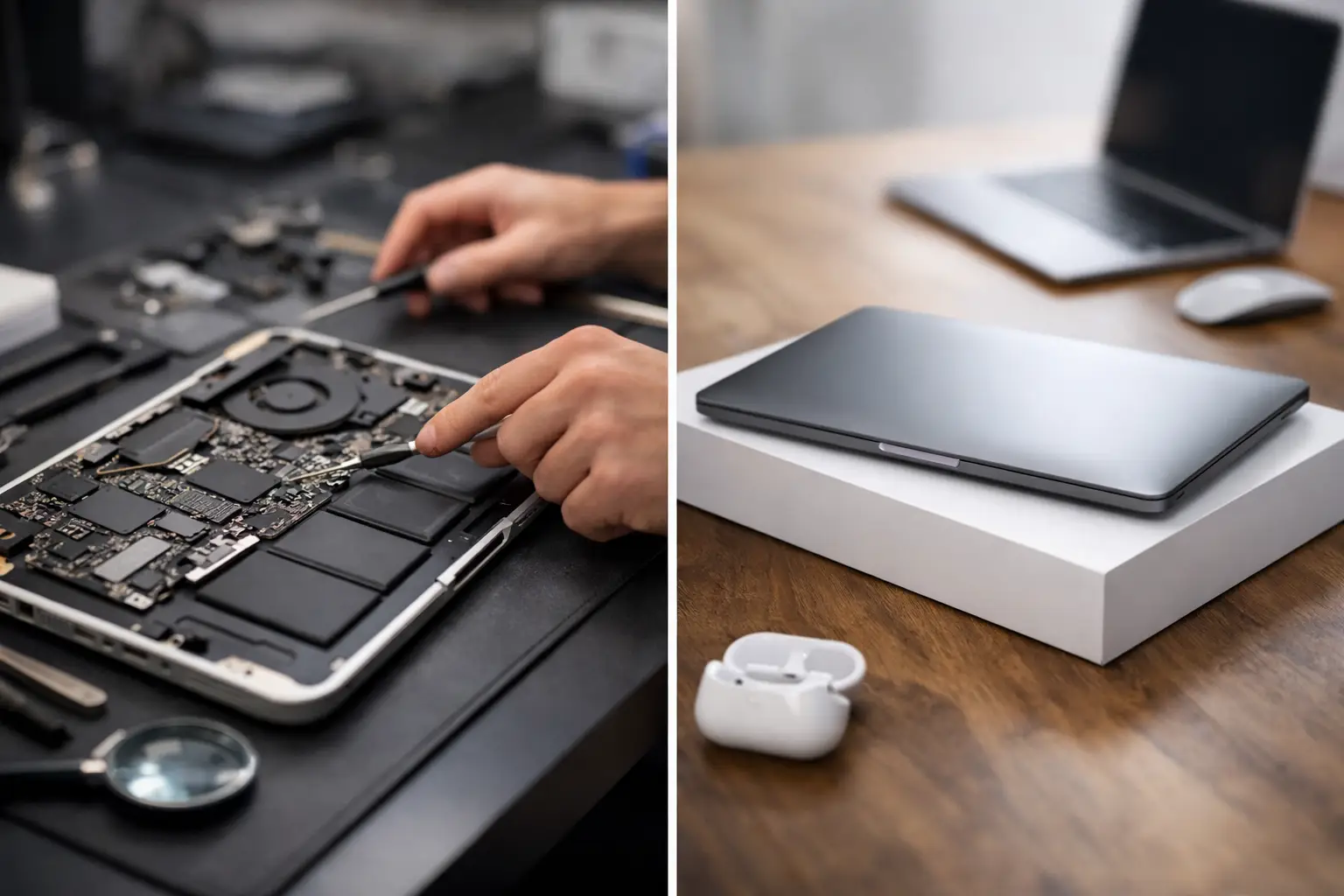
A MacBook that will not charge before a deadline, a cracked display after a commute, or a battery that barely lasts through one lecture creates the same urgent question: is it worth fixing? MacBook repair versus replacement costs are not just about the first price you see. The right choice depends on the fault, the age and specification of your Mac, its condition, and what replacing it would really involve.
For many Portsmouth and Southsea customers, repairing a reliable MacBook is the sensible route. A targeted repair can cost far less than a new machine, avoids the disruption of moving files and settings, and keeps a device you already know working properly. However, there are times when putting more money into an ageing MacBook is false economy. A proper diagnosis should make that distinction clear before you commit.
What MacBook repairs commonly cost
Repair pricing varies significantly by model. MacBook Air, MacBook Pro, Retina, Touch Bar and Apple silicon machines use different parts and construction methods, so an exact quote requires the model number and an assessment of the fault. The same symptom can also have very different causes. A MacBook that will not charge may need a relatively straightforward charging port repair, a new battery, a replacement USB-C board, or more involved logic board work.
Battery replacements are often among the most worthwhile repairs. If your MacBook is otherwise responsive, holds its shape, has a good screen and still handles the software you use, a new battery can give it several more productive years. A battery warning, rapid power loss, unexpected shutdowns or swelling should be checked promptly. A swollen battery can affect the trackpad and case as well as becoming a safety concern.
Screen repairs can be more expensive, particularly on newer Retina displays where the display assembly is a single complex unit. Costs rise if the panel has lines, black patches, backlight failure or image distortion rather than a minor cosmetic mark. Even so, a screen repair may still make financial sense on a newer or higher-specification MacBook, especially when a comparable replacement would cost well over £1,000.
Keyboard, trackpad, fan and charging faults sit in a broad middle ground. Some have a clear repair path and offer excellent value. Liquid damage is less predictable because the visible problem is not always the full extent of the damage. Early inspection matters here. Continuing to use a wet or contaminated MacBook can turn a repairable issue into corrosion across multiple components.
Logic board faults are usually the point at which a clear diagnostic matters most. They can involve charging circuits, power rails, display connections, storage or component-level damage. The repair cost may be justified for a recent machine with a strong processor, enough memory and a good display. On a much older model with several existing issues, replacement may be the better long-term decision.
MacBook repair versus replacement costs: the real comparison
The cost of a repair should be compared with the cost of an equivalent replacement, not simply the cheapest laptop available. A budget new laptop may not match the display quality, performance, build quality, storage or software experience of the MacBook you already own. If you use your machine for university work, NHS shifts, business admin, photo editing or music production, those differences can matter every day.
Start with the repair quote. Then ask what you would need to spend to buy a replacement MacBook that genuinely meets your needs. Include the cost of accessories if your current charger, hub or case no longer suits the new model. If your files are not fully backed up, factor in the time and potential cost of data transfer too.
A useful rule is to consider repair strongly when the machine is still performing well and the repair is a modest proportion of a like-for-like replacement. A £200 to £400 repair can be very reasonable against a £1,200 replacement. The maths changes when the repair is costly and the MacBook is already limited by an old processor, low storage, unsupported software or more than one developing fault.
Condition is as important as age. A well-kept five-year-old MacBook with one failed battery is very different from a five-year-old machine with a damaged screen, intermittent charging, worn keyboard and poor performance. No honest repair service should pretend those situations deserve the same recommendation.
Do not overlook the value of your time
Replacing a MacBook has its own hidden costs. You need to choose a new model, buy it, transfer documents, reinstall applications, sign back into accounts and check that printers, backup drives and work software still behave as expected. For a student in the middle of coursework or a self-employed customer with a busy week, that downtime has a real value.
Repair is often quicker and less disruptive when the issue is isolated. It also keeps familiar software, folders and settings in place. That said, a repair is not a substitute for a backup. Important files should be backed up regularly whether your MacBook is working perfectly or waiting for a repair.
When repairing your MacBook is usually the better choice
Repair tends to be the stronger option when the MacBook is relatively recent, does everything you need and has one clearly identified fault. Batteries, charging issues, screens and selected board-level faults can all be worth addressing where the rest of the machine is sound.
It can also be a more responsible choice. Extending the working life of a good device reduces unnecessary electronic waste and delays the expense of buying new. That is not a reason to repair at any price, but it is a genuine benefit when the numbers already make sense.
Quality of parts and workmanship matters. A low quote is not automatically good value if it uses poor-quality components, does not address the real fault or offers no meaningful warranty. Ask what is being fitted, what testing will be carried out and what warranty applies to the repair. Clear answers are a good sign that the quote is based on a proper repair rather than a guess.
When replacement makes more sense
Replacement becomes more attractive when your MacBook has several expensive problems at once, cannot run the software or macOS version you need, or is no longer powerful enough for your work. A machine with repeated failures can take more time and money than it is worth, even if each individual repair appears manageable.
Older Intel models deserve a particularly careful assessment if your daily workload has outgrown them. More memory cannot always be added later, storage may be limited, and future software support should be considered. If a costly logic board repair would only return you to a machine that remains slow or restricted, putting that money towards a newer MacBook can be the more practical call.
There is also a personal budget question. A repair may be cheaper today, while a replacement may offer a longer period of predictable use. Neither answer is automatically right. The aim is to avoid paying for a repair that merely postpones an obvious replacement, while also avoiding the needless expense of replacing a MacBook that needs one sensible fix.
Get a diagnosis before deciding
The best starting point is a diagnosis from someone who can explain the fault in plain English. You should know what has failed, whether there is evidence of additional damage, the likely repair cost, and any risks or limitations before authorising work. If replacement is the sensible option, you deserve to be told that directly.
At iHelp Gadget Repairs, customers deal directly with Dan, from the first enquiry through to the completed repair. That means you can discuss how you use the MacBook, what has happened to it and whether the proposed work represents good value, rather than being pushed towards the most expensive outcome.
A MacBook does not need to be brand new to be worth keeping. If it still suits your work, study and everyday life, a well-chosen repair can be the lower-cost, lower-hassle answer. If it is approaching the end of its useful life, an honest assessment gives you the confidence to spend your money on the next machine instead.