
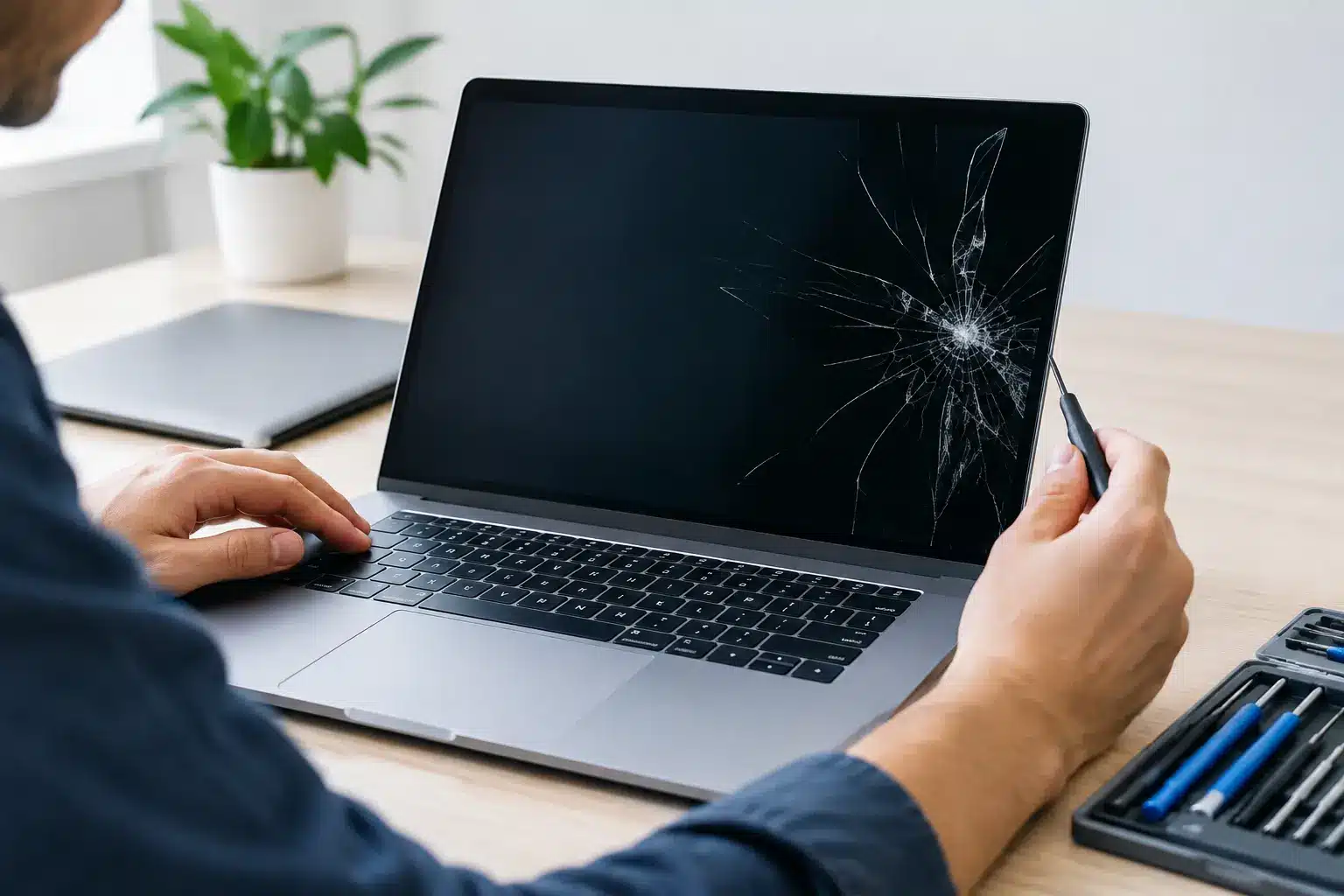
A MacBook screen fault rarely arrives at a convenient time. One drop can leave a hairline crack across the display; a laptop that looked fine in the morning can suddenly show black lines, flickering, coloured patches or no image at all. The good news is that can MacBook screens be repaired is usually a question with a positive answer. In many cases, yes – but the right repair depends on what has actually failed.
Can MacBook Screens Be Repaired? It Depends on the Damage
Most damaged MacBook displays can be repaired by replacing the affected screen assembly. On modern MacBooks, the glass, LCD or LED panel, backlight, camera and display housing are closely integrated. That means a repair often involves fitting a complete replacement display rather than changing only the cracked outer glass.
This is not a shortcut. It is usually the most reliable way to restore image quality, brightness, the webcam and the fit of the lid. Trying to separate and replace only the glass on a laminated Retina display can create further problems, including dust under the panel, poor bonding or damage to the display itself.
A visible crack is the clearest sign that a replacement is needed, but it is not the only one. A MacBook may need screen work if it has vertical lines, a dim or uneven backlight, flashing, black ink-like blotches, colour distortion, a completely blank display or an image that appears only when the lid is held at a certain angle.
Not every display problem means the panel has failed. A loose or worn display cable, an issue around the hinge area, liquid damage or a software setting can sometimes cause similar symptoms. That is why a proper diagnosis should come before a quote for a replacement screen.
Common MacBook Screen Faults and What They Mean
A cracked display normally needs replacement even if the picture still looks usable. The damage can spread with pressure from opening and closing the lid, and exposed glass is not something to ignore. Small cracks can also affect the layers beneath over time.
Lines, blocks of colour and dark patches generally point to internal panel damage. This can happen after an impact that leaves little or no obvious mark on the outside. A pen, charging cable or small object left on the keyboard before the lid is closed can be enough to damage a modern thin display.
Flickering or a screen that cuts in and out deserves a closer inspection. It may be the display panel, but it could also be a cable fault or damage caused by strain at the hinge. The model and year of the MacBook matter here, as screen designs vary considerably between MacBook Air, MacBook Pro and older Retina models.
A black screen is more open-ended. If the MacBook powers on, makes its usual start-up sound or works through an external monitor, the internal display may be the issue. If there is no sign of life at all, the fault could involve the battery, charging circuit, logic board or another component. Replacing a screen without checking first would be a costly guess.
Repair or Replacement: What Is the Difference?
For MacBooks, the word “repair” often covers two different jobs. The first is repairing the cause of a display fault, such as a cable or connection issue. The second, and more common option for physical screen damage, is replacing the complete display assembly.
A full assembly replacement is usually the sensible choice where the panel has cracked, bled, developed lines or lost its backlight. It gives the technician a known-good screen unit to fit and test, rather than attempting delicate work on a bonded display layer.
There are exceptions. Some older models have different construction, and certain faults can be isolated to components around the display rather than the screen itself. An experienced technician should explain what has failed, what part is being replaced and why that approach offers the best long-term result.
The part choice also matters. Depending on the model and availability, there may be genuine parts or high-quality compatible options. A cheaper part is not automatically poor, but it should be suitable for the model and fitted with care. Ask about brightness, colour quality, camera operation and whether the repair affects features such as True Tone on compatible MacBooks.
When Is a MacBook Screen Repair Worth It?
For many people, a screen replacement is considerably better value than replacing an otherwise capable MacBook. A recent MacBook Air or MacBook Pro with good battery life, sufficient storage and no other faults is usually well worth repairing after screen damage.
The decision is less straightforward for an older device with several issues. If the battery is failing, the keyboard is unreliable, the charging port is intermittent and the display has broken, it is worth considering the total spend rather than treating each repair separately. A clear quote lets you make that call with the facts in front of you.
Your MacBook’s specification matters as well. A higher-spec model with more memory or storage may remain useful for years, even if it is not the newest model. On the other hand, if it no longer supports the software you need for work or study, putting significant money into it may not make sense.
Liquid damage needs particular care. A screen that has failed after a spill may be only one part of the problem. Corrosion can develop later, so the device should be inspected rather than having a screen fitted immediately and hoping for the best. Honest advice sometimes means discussing the risks before any repair begins.
What Happens During a Professional Screen Repair?
A reliable repair starts with confirming the exact MacBook model and testing the fault. MacBook screens are not interchangeable simply because they look similar, so the model number and year help identify the correct assembly.
The technician should then inspect the casing, hinges and surrounding area. A bent lid or damaged hinge can place stress on a new screen and may need attention first. Once the replacement is fitted, the display should be checked for image quality, brightness control, webcam operation, lid sensor response and secure opening and closing.
At iHelp Gadget Repairs, you deal directly with Dan rather than being passed between a shop counter, a call centre and an off-site workshop. That makes it easier to understand what has been found, what the repair involves and how long it is likely to take.
Turnaround depends on the model and whether the correct screen is in stock. Some jobs can be completed quickly once the part is available, while others need to be ordered in. A good local repairer will give you a realistic timescale instead of promising a same-day result before the device has even been assessed.
Before You Bring in a Damaged MacBook
If the display still works, back up your files as soon as possible. Screen damage does not always affect the storage, but accidents and liquid exposure can lead to further faults. If you cannot see the screen clearly, an external monitor may allow you to copy important documents and photos.
Avoid pressing on cracked glass, forcing the lid open or shut, or using tape across the display. These can worsen panel damage or leave adhesive residue. If the screen is loose from the housing, the hinge feels unusually stiff or the MacBook has been exposed to liquid, switch it off and arrange an inspection.
Do not attempt a screen replacement from an online video unless you are confident working with delicate electronics and have the correct part. Modern MacBooks contain fragile cables, small screws and tightly fitted components. A mistake can turn a screen repair into a more expensive board, hinge or casing repair.
When comparing repair quotes, check what is included. The lowest price is not always the best value if it excludes diagnosis, fitting, testing or a meaningful warranty. You should know the type of part being used, the expected turnaround and what happens if an issue appears after the repair.
A damaged MacBook screen is frustrating, especially when work, coursework or family files are sitting behind it. Get the device assessed before writing it off – a straightforward, correctly fitted screen replacement can make a MacBook feel fully usable again.