
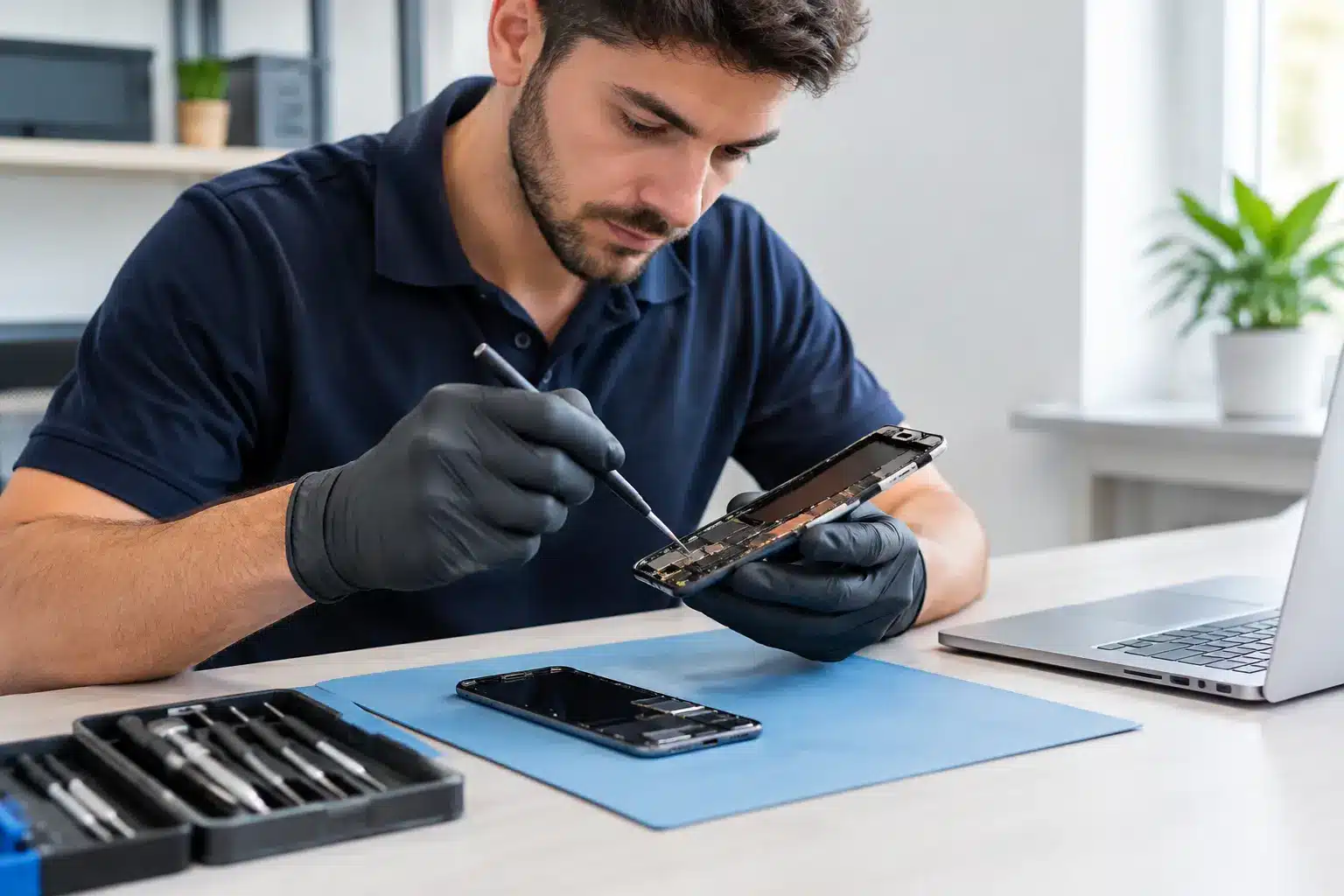
A cracked iPhone screen is inconvenient. Handing that same phone to someone who can see your messages, photos, banking alerts and work emails can feel far more worrying. Secure device repairs are not just about fitting a quality part correctly. They are about knowing who has your device, what access is genuinely needed and how your privacy is treated while the work is carried out.
For people in Southsea and Portsmouth, a phone or MacBook is usually much more than a gadget. It may hold university work, family photos, NHS rota information, travel tickets, customer details or the login to almost every account you own. A repair should get your device working again without creating a fresh concern in the process.
What Secure Device Repairs Should Look Like
A trustworthy repair starts before a screwdriver comes out. You should be able to speak to the person responsible for the work, understand the likely fault and receive clear pricing before agreeing to proceed. If a repair needs further work once the device has been inspected, that should be explained rather than quietly added to the bill.
Security also means accountability. Local, owner-led repairs offer a simple advantage here: there is no uncertainty about who has handled your device or where it has been sent. At iHelp Gadget Repairs, customers deal directly with Dan from the first enquiry through to collection. That direct contact matters when the device in question contains the practical details of your life.
The quality of the repair is part of security too. A poorly fitted screen, low-grade charging port or damaged seal can lead to further faults, leaving you without your device again and potentially exposed to another repair process. Good parts, careful workmanship and a meaningful warranty reduce that risk.
Do You Need to Share Your Passcode?
This is one of the most common questions, and the honest answer is: it depends on the fault.
For many physical repairs, such as a screen replacement, battery replacement or charging-port repair, a technician may not need your passcode to complete the work itself. However, testing can be more limited without it. A repaired screen needs checking for touch response across the display, cameras may need testing after an internal repair, and a charging fault can sometimes only be properly confirmed when the device is powered on and functioning normally.
You should never feel pressured to give a passcode without an explanation. Ask what it is needed for, what will be tested and whether you can enter it yourself when you collect the device. For some repairs, you may prefer to stay while basic tests are performed, or return shortly afterwards to unlock the device for final checks.
There is a trade-off. Keeping a device locked gives you the highest level of privacy, but it can make it harder to confirm every feature before you leave. Sharing temporary access can allow more thorough testing, but requires confidence in the repairer. A professional should explain those options plainly and respect your choice.
Protect Your Data Before Booking a Repair
Even the most careful repair shop cannot prevent every issue that might already be developing in a damaged device. A phone that has suffered liquid damage, repeated restarts or a swollen battery can fail completely without warning. Backing up beforehand is therefore sensible whenever the device still powers on.
Make a current backup to your chosen cloud service or computer, then check that it has completed. Do not assume a backup from months ago includes recent photos, messages or files. If you use an authenticator app for two-factor verification, make sure you have recovery codes or another way to sign in before handing over the device.
A few small steps can make collection less stressful:
- Remove payment cards from mobile wallet apps if you would rather they were not available during testing.
- Log out of sensitive work apps where practical, especially if they contain client, patient or business information.
- Take note of the device condition, including existing marks, camera issues and battery concerns.
- Bring the correct charging cable or accessory if it is relevant to the fault, particularly for intermittent charging problems.
You do not normally need to factory-reset a device for a standard screen or battery repair. In fact, doing so can prevent the technician from checking whether the original problem has been resolved. A reset may be appropriate for certain software investigations or when selling a device, but it should not be treated as the automatic answer to every repair.
Find My and activation locks
Activation locks protect your device if it is lost or stolen, which is exactly what they should do. But they can also prevent proper testing or replacement procedures in some cases. If you are asked to disable a location or activation lock, ask why and only do so when you understand the reason.
Never share your main account password. If a setting needs changing, it is usually better for you to make that change yourself while the technician explains the steps. Before collecting your device, make sure any temporary changes are reversed and your security settings are back where you want them.
Questions Worth Asking Before You Hand It Over
A good repairer will welcome straightforward questions. Ask whether the repair is carried out on site, whether the quoted price includes parts and labour, and what warranty applies. It is also reasonable to ask how your device is identified and stored while it is awaiting collection.
Turnaround time matters as well. A device sitting in a queue for days is not just inconvenient when you need it for work or family life. It also extends the time it is out of your hands. Many iPhone screen repairs can be completed in under 30 minutes when the correct part is available, which means less disruption and less uncertainty.
Be wary of vague assurances such as “we take care of everything” without detail. Trust is built through clear answers: what the fault appears to be, what the repair involves, how long it should take and what happens if an additional issue is found. The cheapest quote is not always the best value if it comes with unclear parts, no meaningful warranty or no way to contact the person doing the work.
Collection Is the Right Time to Check Everything
Before you leave, take a few minutes to inspect the repair. On a phone, check the screen brightness, touch response, front and rear cameras, speaker, microphone, charging, buttons and Face ID or fingerprint recognition where relevant. On a tablet or MacBook, check the display, keyboard, trackpad, ports, Wi-Fi and charging behaviour.
This is not about trying to catch someone out. It gives both you and the repairer a fair opportunity to confirm the result while you are there. If a problem is noticed, it can be discussed straight away rather than becoming a frustrating phone call later that day.
Keep your receipt and warranty details. A strong warranty is a sign that the repairer stands behind their work, but it is most useful when you know what it covers and how to get help should an issue arise. For example, warranty terms may cover the fitted part and workmanship but not later accidental damage or unrelated faults caused by an existing issue.
Privacy Is Part of Proper Repair Work
Fast repairs should not mean rushed care. The right local repair service will be transparent about access, straightforward about price and confident enough in its workmanship to support it after collection. You should leave with a working device, clear paperwork and no lingering doubt about how it was handled.
If you are unsure whether to back up, remove a card or share a passcode, ask before the repair begins. A good technician will give you a practical answer, not make you feel awkward for protecting the information that matters to you.