
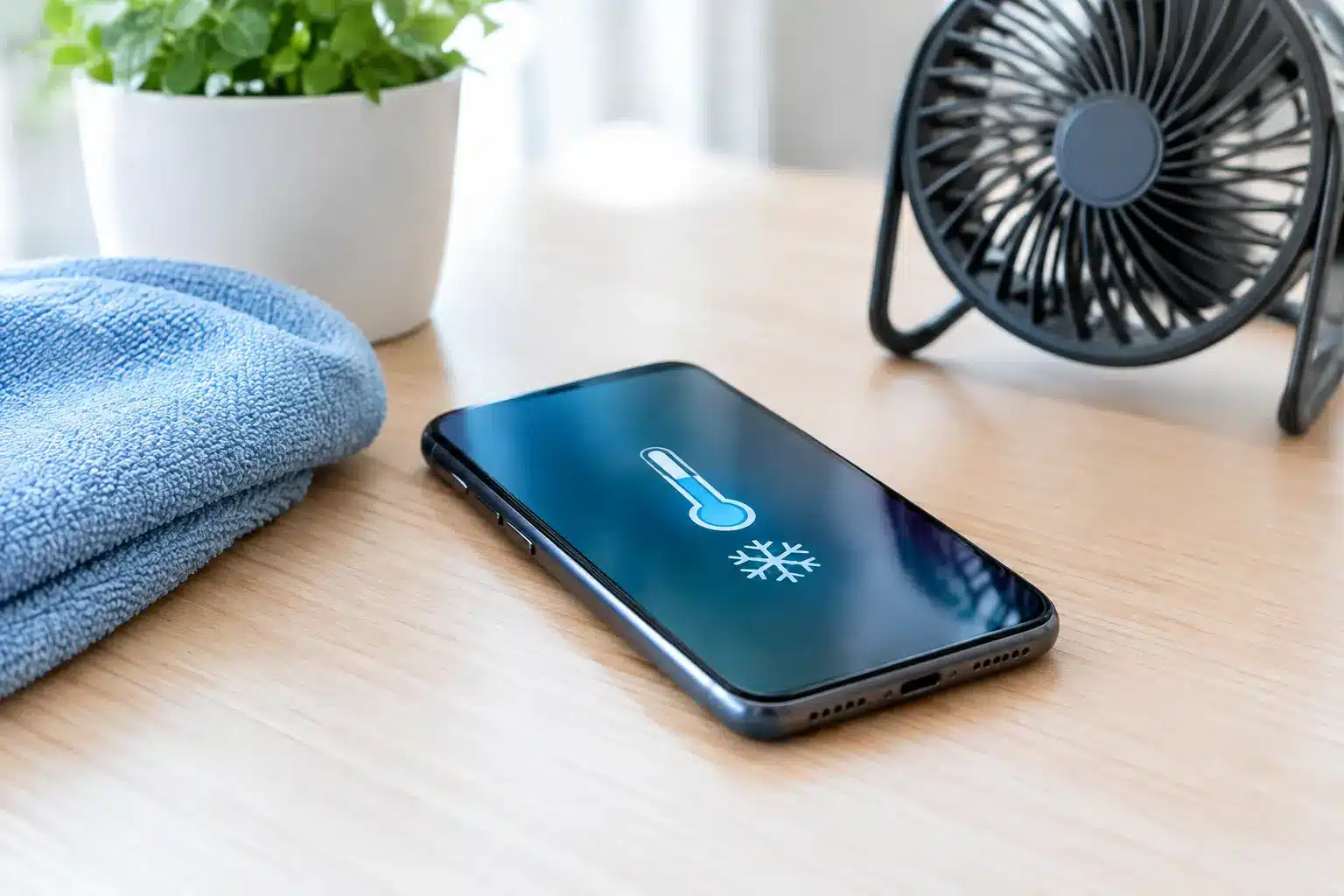
A phone that becomes hot enough to make you put it down is not just annoying. It can drain the battery quickly, slow the device, interrupt charging and, in some cases, point to a fault that needs attention. Knowing how to stop phone overheating starts with cooling it down safely rather than trying a quick fix that could make the problem worse.
Most phones warm up during charging, video calls, navigation, gaming or a long day of mobile data use. That is normal. The concern begins when the heat is frequent, excessive, happens during light use, or comes with a swollen battery, random shutdowns or a burning smell.
What to do when your phone is overheating
Start by taking the pressure off the phone. Remove it from direct sunlight, stop using demanding apps and take off the case if it is trapping heat. If it is charging, unplug the cable and leave the phone on a hard, dry surface somewhere shaded with normal room airflow.
Turn the screen off and give it 10 to 15 minutes to cool naturally. If it is too hot to hold comfortably, switch it off completely. Do not place it in a fridge, freezer or against an ice pack. Sudden temperature changes can cause condensation inside the device, potentially damaging the screen, charging port and internal components.
Once it has cooled, restart it and monitor how it behaves. A one-off incident after sitting on a car dashboard or using sat-nav in bright sun is usually explainable. If the phone heats up again while doing very little, the cause needs a closer look.
How to stop phone overheating during everyday use
Heat is often the result of several small demands happening at once. A phone may be charging while running navigation, using mobile data in an area with weak signal and sitting in a thick case. None of these is necessarily a problem alone, but together they make the processor and battery work much harder.
Keep it out of direct heat
Cars are a common culprit, especially in warmer weather. Avoid leaving a phone on the dashboard, seat or windowsill, even for a short time. If you need it for maps, use a shaded mount where possible and direct the car’s ventilation nearby rather than straight onto a freezing-cold device.
At the beach, on site, or during outdoor work, keep the phone in a bag or pocket out of direct sun. It is tempting to use a black-screened phone as a music player in full sunshine, but the display itself produces heat and the phone has nowhere to shed it.
Reduce the work your phone is doing
Close games, video editing apps and unused apps running in the background. Lowering screen brightness, turning off Bluetooth when it is not needed and switching from mobile data to reliable Wi-Fi can also help. Poor mobile signal is particularly demanding because the phone repeatedly works harder to find and maintain a connection.
If the phone gets hot while using a particular app, check for an update. A poorly behaving app can use excessive processing power or keep running in the background. If updates do not help, uninstalling and reinstalling the app may resolve the issue.
There is a trade-off here: Low Power Mode or Battery Saver can reduce heat by limiting background activity, but some notifications and automatic updates may be delayed. It is a useful temporary measure, not a cure for a phone that is overheating every day.
Charge with care
Charging naturally creates some warmth, particularly with fast chargers and wireless charging pads. Use a good-quality cable and plug designed for your device, and avoid cheap, damaged or loose accessories. A bent connector, frayed cable or plug that becomes very hot should be replaced rather than ignored.
Charge the phone on a clear, firm surface. Sofas, beds and piles of laundry hold in heat and can block airflow around the phone and plug. Avoid using demanding apps while charging, especially games, streaming and navigation. Wireless charging is convenient, but it can run warmer than a cable, so a wired charger may be the better option if heat is already an issue.
If your phone consistently gets very hot only when connected to one charger, stop using that charger. The fault may be with the cable, plug or charging port, and continuing to charge could cause further damage.
Check your battery health and software
An ageing battery can become less efficient and generate more heat. On an iPhone, battery health is available in Settings under Battery. A significantly reduced maximum capacity, a warning about service, or unexpected shutdowns are all signs that the battery may no longer be performing properly.
Battery health is not the only factor. Install the latest operating system update when practical, as software updates can correct bugs that cause unnecessary battery drain or processor use. Make sure you have enough free storage too. A phone with almost no space left can struggle with routine tasks, updates and photo processing.
After an update, it is normal for a device to feel warm for a short period while it re-indexes photos and files. Give it a little time before assuming something is wrong. If the heat continues beyond a day or two, check which apps are using the most battery in Settings. An app at the top of the list that you barely use deserves investigation.
When overheating could be a repair issue
A phone that overheats repeatedly without an obvious trigger should not be treated as normal wear and tear. Heat can be caused by a failing battery, charging-port damage, liquid exposure, an internal short circuit or damage after a drop. These faults are not always visible from the outside.
Stop using the phone and arrange an assessment promptly if you notice any of the following:
- The screen is lifting away from the frame or the back of the phone is bulging.
- The phone gets hot while idle, switched off, or during a short, simple task.
- It smells chemical, burnt or unusually sweet, or makes crackling or hissing sounds.
- Charging repeatedly cuts out, the percentage jumps unexpectedly, or the device restarts by itself.
- The phone has recently been dropped, exposed to water or repaired, and the overheating began afterwards.
A swollen battery is particularly urgent. Do not press the screen back down, pierce the device, continue charging it or put it in the household bin. Keep it away from flammable materials and have it inspected by a repair professional as soon as possible.
Avoid fixes that can cause more harm
Cooling a hot phone too quickly is one of the most common mistakes. Fridges, freezers and cold packs may seem sensible, but moisture can form inside the handset as temperatures change. Rice is not a solution either. It does not repair a battery, remove corrosion or fix a charging fault.
It is also worth being cautious with “battery booster” and cleaner apps. Modern phones already manage memory and power use well. Third-party optimisation apps can add background activity, show intrusive adverts and sometimes make battery performance worse rather than better.
If you need to back up a phone that is getting hotter than usual, do so only once it has cooled and while you can supervise it. Backing up is sensible before any diagnostic work, but do not leave a suspect device charging overnight just to complete it.
Get a clear diagnosis before replacing parts
Overheating does not automatically mean you need a new phone. The right repair depends on the cause. A worn battery may be straightforward to replace, while a damaged charging port or board-level fault needs proper testing before anyone promises a fix.
For Portsmouth and Southsea customers, iHelp Gadget Repairs can assess recurring heat, battery and charging issues directly, so you can understand what has failed and what the practical options are before authorising work. That matters when your phone is needed for work, university, family life or staying in touch.
Your phone should feel warm occasionally, not unreliable or unsafe. Let it cool naturally, reduce the demands placed on it, and take recurring heat seriously before a manageable battery or charging problem turns into a complete device failure.