
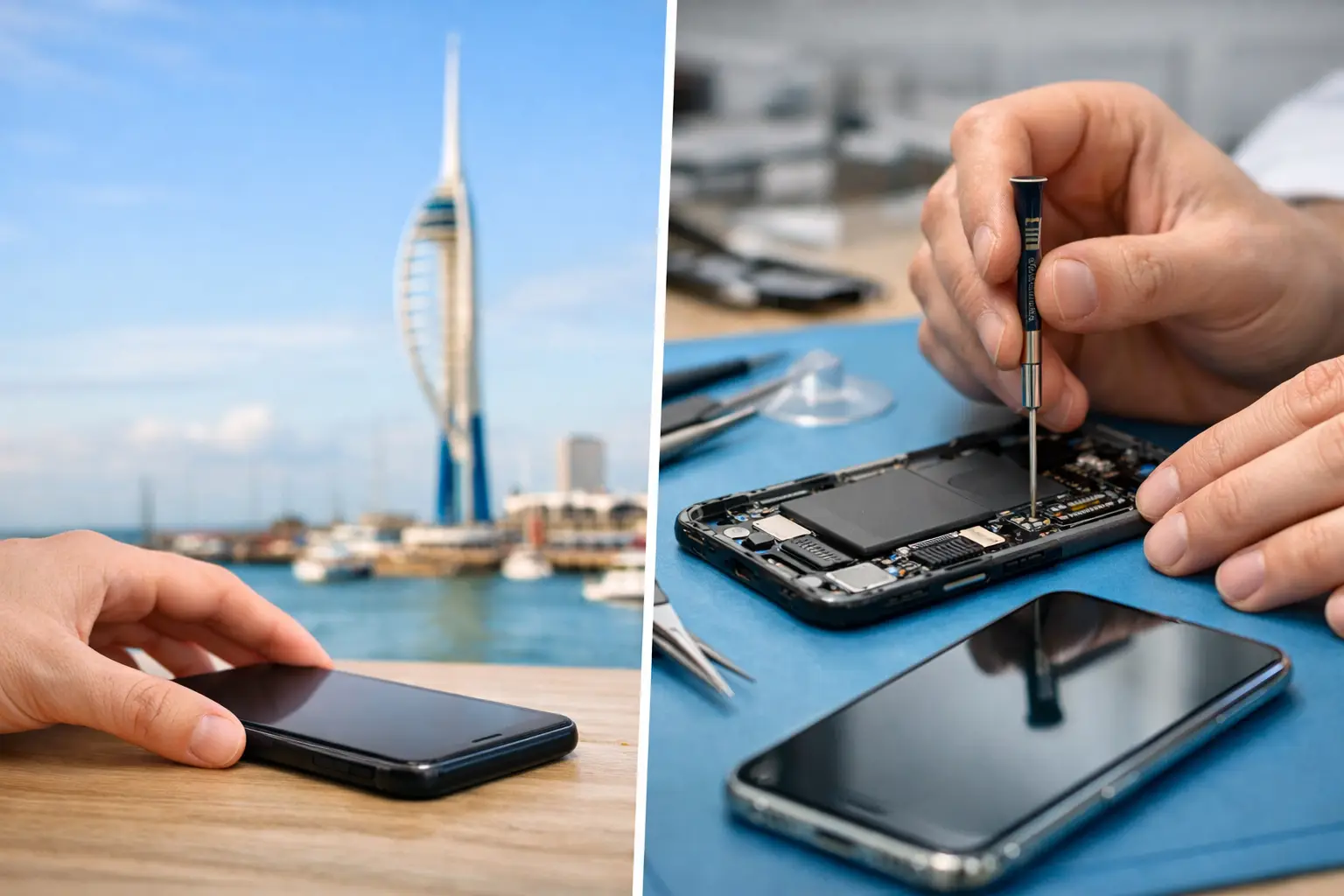
Passing your phone to a new owner takes a little preparation. This checklist covers what to record, what to check and how to protect your personal information before the handover.
Record the model and condition
Note the exact model, storage capacity and any known faults. Check the screen, cameras, speakers, microphone, buttons and charging. Take clear photos and describe cracks, wear and previous repairs honestly. Do not describe a phone as fully working if you have not been able to test it.
Decide whether to repair before listing it
Get a diagnosis and quote before paying for a repair purely to improve resale value. Compare the likely sale value with and without the repair; there is no guarantee you will recover the repair cost. See our guide to whether to repair a phone before selling it for the decision itself.
Keep useful repair records
Keep receipts and tell the buyer about replacement parts or unresolved problems. Check whether any warranty transfers to a new owner before promising that it does.
Back up and check your important information
Before erasing anything, make sure your photos, contacts and important files are backed up and accessible. Check that you can access essential accounts and authentication methods on your replacement device.
Prepare the phone for its new owner
Follow the manufacturer’s current instructions for transferring or selling your exact model. These cover signing out, removing account locks, erasing personal data and handling SIM or eSIM access. Only hand it over after checking that your personal information is removed and the buyer can set it up.
This is preparation for a change of ownership. You do not need to erase your phone before an ordinary repair at iHelp; a current backup is still recommended.
Get help with a fault before you sell
If the screen, battery or charging is unreliable, iHelp can assess the fault and explain the repair options. A diagnosis helps you describe the device accurately and decide what to do next.