
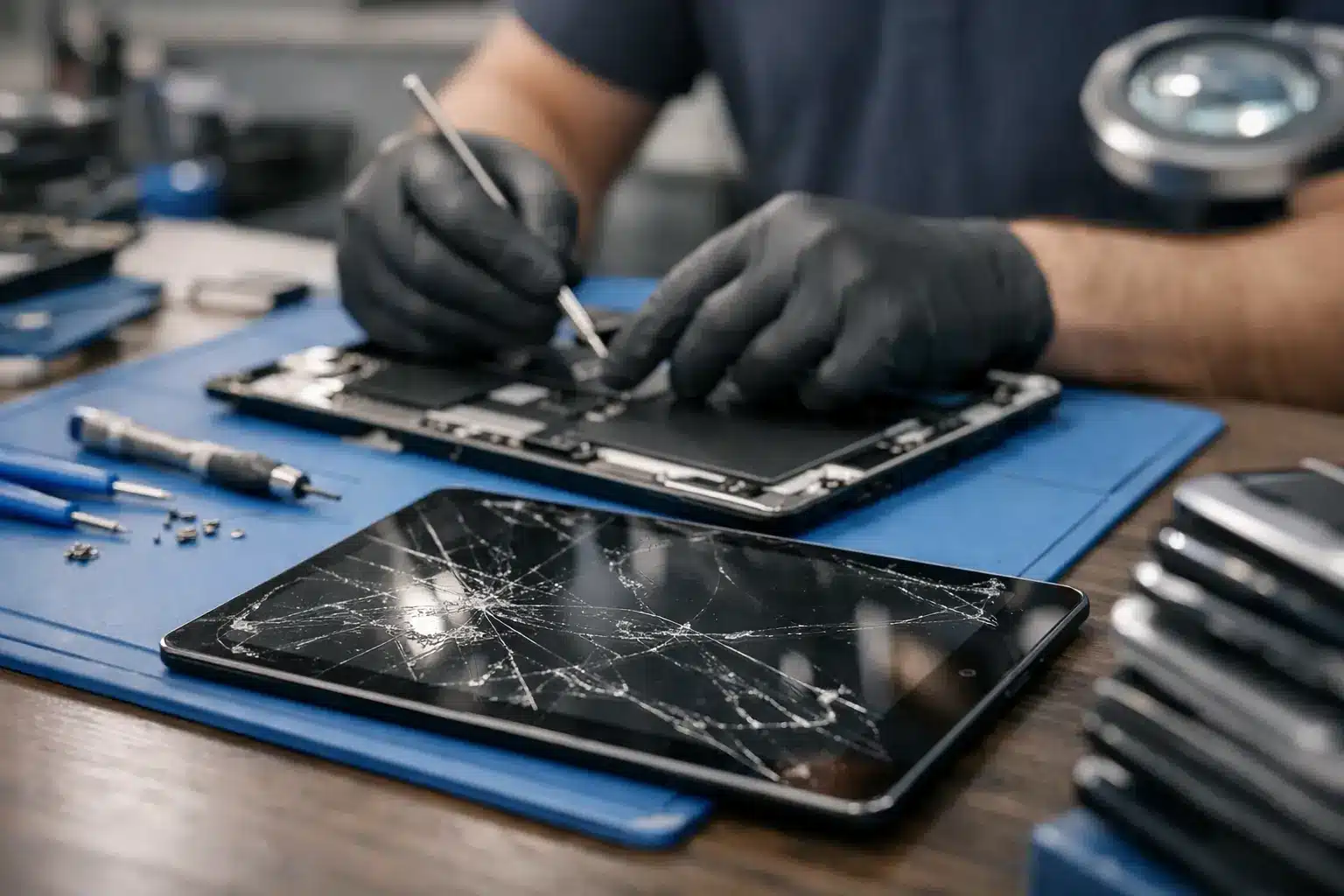
A cracked tablet screen is rarely just cosmetic. Sharp glass can make the device unpleasant to use, a black patch can spread across the display, and an unresponsive area can turn a tablet used for work, school or family life into a frustration. The best tablet screen repair options depend on the damage, the model and how quickly you need your device back – but the cheapest-looking choice is not always the best value.
For most people in Portsmouth and Southsea, the decision comes down to three questions: can the tablet be repaired safely, will the replacement part perform properly, and who will stand behind the work if there is a problem afterwards?
What counts as a tablet screen repair?
Tablet screens are usually made up of more than one layer. The outer glass protects the display underneath, while the display produces the picture and the touch layer registers your taps and swipes. On many modern iPads, Samsung Galaxy Tabs and other tablets, these components are bonded together. That often means a full screen assembly is the sensible repair, even if only the glass appears cracked.
If the image is clear, the touch response works across the whole screen and there are no coloured lines or dark areas, the damage may be limited to the outer layer. However, a technician still needs to assess the device before confirming the right repair. A hairline crack can hide damage beneath it, particularly after a drop onto a corner.
A full screen replacement is generally needed when you see black ink-like marks, flickering, vertical lines, a blank display, ghost touches or dead areas that no longer respond. These symptoms are unlikely to improve on their own, and continued use can allow the damage to worsen.
Best tablet screen repair options: how they compare
A local independent repair specialist
A reputable local repair specialist is often the most practical option when your tablet is out of warranty or you need it back promptly. You can speak directly to the person assessing the device, ask what part will be fitted and get a clear price before work begins. There is no need to package up your tablet, send it away and wait for it to return.
This route suits people who value personal service and accountability. It is also useful where the issue may be more than a broken screen. A good diagnostic can identify a bent frame, damaged charging port, weak battery or internal fault that could affect the repair.
The key is to choose a repairer who is transparent about parts quality and warranty cover. Not every replacement screen is the same. A lower-cost copy may fit the device but offer weaker brightness, poorer touch sensitivity or less reliable durability. High-quality or genuine parts cost more, but they can make a noticeable difference to how the tablet feels after repair.
At iHelp Gadget Repairs, customers deal directly with Dan from enquiry through to completion. That direct approach matters when you want an honest assessment rather than being passed between a booking desk, a courier and an unknown workshop.
Manufacturer repair or authorised service
Manufacturer repair can be a good choice for newer premium tablets, especially if they are still covered by a manufacturer warranty, extended cover or accidental damage plan. The repair process and parts are tied closely to the original device specification, which can provide reassurance.
The trade-off is usually cost and convenience. Some manufacturers require an appointment at a larger retail location, while others ask you to send the tablet away. Turnaround can be longer, and the quoted solution may be a replacement device rather than a repair of your own unit. That can matter if you have data, apps or settings that are not fully backed up.
Check the terms carefully before booking. Accidental screen damage is normally excluded from a standard warranty. It may be covered by separate damage protection, but an excess often applies.
Insurance claim
Home contents insurance, bank account cover or a specialist gadget policy may contribute towards a damaged tablet. This can make sense for an expensive recent model with significant damage beyond the screen.
For a straightforward crack, though, compare the excess against the repair price first. A claim can involve forms, proof of ownership and an assessment period, while some policies supply a refurbished replacement rather than repairing your existing tablet. Consider whether that disruption is worth it for the level of damage involved.
DIY repair kits
DIY screen kits appear attractive because the initial price is low. They are best reserved for people with experience of delicate electronics, the correct tools and a tablet they can afford to be without if the job goes wrong.
Tablet repairs are more involved than many online videos suggest. Screens are often firmly bonded in place, batteries can sit close to the repair area, and tiny cables can tear if the display is lifted incorrectly. Excessive heat can damage the LCD or OLED panel, while poor adhesive can leave dust under the screen or create gaps around the edge.
DIY also means accepting responsibility if touch response, cameras, speakers or fingerprint functions stop working afterwards. For a tablet you rely on for university work, NHS shifts, children’s learning or everyday communication, professional repair is usually the less stressful option.
Replacing the tablet
Replacement becomes worth considering when the screen repair is close to the value of an older tablet, or when there are several faults at once. A badly bent frame, battery failure, charging fault and shattered display can make repair less economical than upgrading.
That said, do not assume a crack means the device is finished. Many tablets have years of useful life left after a properly fitted screen. A clear repair quote gives you the information needed to compare repair cost against a replacement realistically.
What to ask before approving a screen replacement
Price matters, but it should not be the only question. Ask whether the quote includes parts, labour and VAT, and whether it can change after inspection. If a technician suspects the frame is bent or the battery has been damaged, it is better to know before the screen is removed.
Ask what type of screen will be used. Genuine parts, high-quality compatible parts and budget copies are not interchangeable terms. A trustworthy repairer should explain the available option in plain English rather than simply calling every part “premium”.
Warranty is another useful indicator of confidence. Find out how long the repair is covered for, what faults are included and whether accidental damage is excluded. A warranty cannot prevent another drop, but it does show that the business is prepared to take responsibility for workmanship and part faults.
Finally, ask about turnaround. Some tablet parts need ordering, particularly for less common models, but a local repairer should be able to give you a realistic timescale. Be cautious of anyone promising an instant repair without first confirming the exact model and damage.
Protect your tablet and your data first
Before handing over a tablet, back it up if the screen still allows you to use it. Save photos, documents, notes and app data to your preferred backup service or a computer. If the display is unusable but the tablet still powers on, a repairer may be able to advise on the safest next step.
Remove the SIM card if your tablet has one, and make sure you know the passcode if testing will be required after the repair. Do not share passwords for email, banking or other accounts. A screen repair should not require them.
It is also sensible to photograph the tablet’s condition before repair, including the frame and rear casing. This is not about expecting a problem. It simply gives both you and the repairer a clear record of the device on arrival.
Choosing the repair that gives you confidence
The right choice is not automatically manufacturer service, the lowest quote or a replacement tablet. It is the option that matches your device’s value, the severity of the damage and the level of reassurance you need. For a newer tablet with active cover, manufacturer repair may be ideal. For an out-of-warranty device that needs a prompt, carefully handled repair, an experienced local specialist can offer a better balance of speed, quality and personal accountability.
Do not keep using cracked glass until it becomes impossible to ignore. Get the tablet assessed, understand exactly what needs replacing and choose a repairer who is clear about the part, price, turnaround and warranty. A good repair should leave you comfortable picking the device up again, not wondering what has been fitted or who to call if something is not right.