
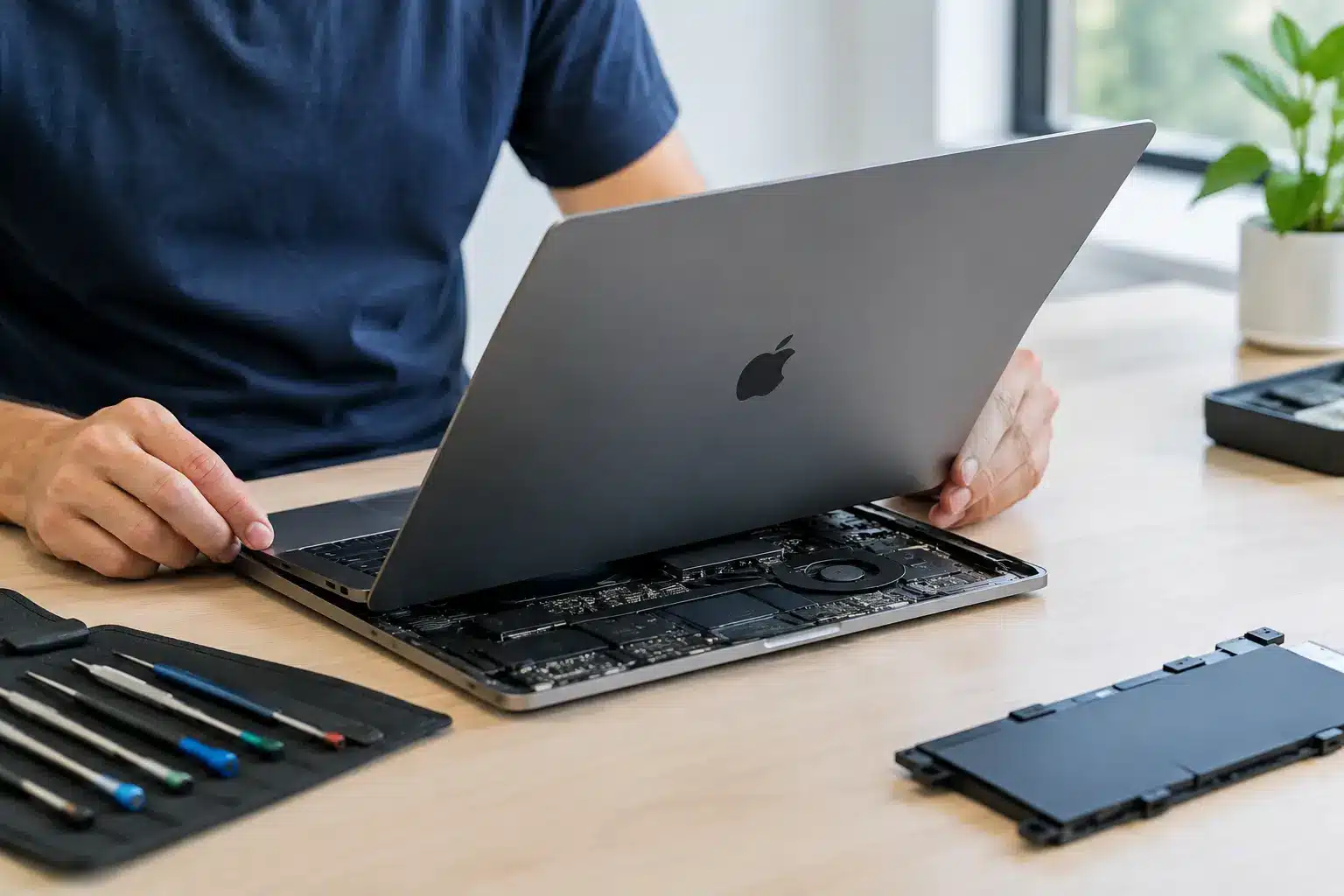
A MacBook that will not charge the night before an assignment is due, a screen damaged on the commute, or a keyboard that has stopped responding can bring a normal day to a halt. MacBook repair replacement is not always as simple as swapping one part for another, but a proper diagnosis can often save a machine that first appears beyond repair.
For people in Portsmouth and Southsea, the practical question is usually not whether a fault is frustrating. It is whether repairing the MacBook makes financial sense, how long it will take, and whether the repair will be dependable afterwards. The answer depends on the model, the fault, its condition and what you need the laptop to do next.
When MacBook repair replacement makes sense
A MacBook is generally worth repairing when the fault is isolated and the rest of the machine is still doing the job you need. A cracked display, worn battery, faulty charging port or damaged keyboard can make a capable laptop feel unusable, yet these are often repairable issues rather than a reason to replace the whole device.
Age matters, but it is not the only factor. A well-kept MacBook that is five or six years old may still be perfectly suitable for email, coursework, admin, browsing and many professional tasks. If the repair cost is a sensible proportion of the cost of a comparable replacement, repair can be the better value option. It also avoids the disruption of moving files, reinstalling applications and setting up a new machine.
There are cases where replacement is the more sensible route. An older MacBook with serious liquid damage, a failed logic board and a weak battery may need several costly repairs at once. Likewise, if your work now requires software or performance that the model cannot support, spending heavily on repair may only delay the inevitable. An honest assessment should explain that clearly rather than pushing a repair that does not add up.
Common MacBook faults and what they can mean
Screen damage and display faults
A cracked screen is obvious, but display faults are not always so clear. Flickering, vertical lines, a dim image, black patches or a display that only works at a certain angle can point to damage in the panel, display cable or hinge area. Some faults are caused by impact, while others develop through wear around the hinge.
Screen replacement is often worthwhile if the MacBook starts normally and works with an external monitor. The exact cost and availability depend on the model, screen size and whether it uses a Retina display. It is important to identify the model correctly before pricing the work, as similar-looking MacBooks can use very different parts.
Battery problems
MacBook batteries naturally lose capacity over time. You may notice the machine runs flat quickly, shuts down before the percentage reaches zero, gets unusually warm or reports that service is recommended. A swollen battery needs prompt attention. It can affect the trackpad, case and other internal components, so continuing to use it is not a good idea.
A battery replacement can give an otherwise reliable MacBook several more useful years. However, poor battery life can also be caused by a charging issue, power-hungry software or a deeper board fault. Testing matters before ordering a battery that may not solve the problem.
Charging faults
If a MacBook will not charge, the charger is the first thing to rule out. Check for visible cable damage, try a known-good compatible charger where possible and inspect the port for debris. Do not force objects into the charging port, as this can damage the contacts.
If the charger is working, the issue could be the charging port, USB-C power circuitry, battery or logic board. USB-C models in particular need careful diagnosis because not every port fault is a simple connector replacement. A technician should confirm where power is being lost before quoting for work.
Keyboard, trackpad and liquid damage
Sticky or unresponsive keys may be caused by dirt under the keyboard, physical wear or liquid ingress. Some MacBook designs make keyboard repair more involved because the keyboard is integrated with other internal components. That can affect the labour involved and whether a top-case replacement is the most reliable solution.
Liquid damage is different from a cracked screen because its effects can change over time. A MacBook may work after a spill, then develop charging, keyboard or start-up problems days later as corrosion spreads. Switch it off, disconnect power and avoid repeatedly trying to turn it on. Fast assessment gives the best chance of limiting damage, although no reputable repairer should promise a result before the device has been inspected.
Why a diagnosis comes before a quote
Two MacBooks with the same symptom can need completely different repairs. A machine that will not start might have a drained battery, a failed display, a damaged charging circuit or a logic board issue. Replacing the most obvious part without testing can waste time and money.
A clear diagnostic process should establish the model, inspect for accidental or liquid damage, test the power path and check which components are communicating properly. It should also consider whether your data is accessible. This gives you a useful choice: repair the device, recover important data where possible, or put the repair cost towards another MacBook.
At iHelp Gadget Repairs, customers deal directly with Dan rather than being passed between a counter, call centre and workshop. That matters when the issue is more complicated than a straightforward screen replacement. You should know what has failed, what part is proposed, what the work costs and whether there are alternatives.
Parts quality is not a detail
When arranging a MacBook repair replacement, ask what type of part will be fitted. The lowest price is not always the best value if the replacement display has poor brightness or colour, the battery has unreliable capacity, or the repair does not carry meaningful warranty cover.
High-quality or genuine parts, where available and appropriate, help protect the day-to-day experience of using the MacBook. The right choice can depend on the model and repair. For a laptop used for photo editing or design work, display quality may be particularly important. For a family MacBook used mainly for documents and video calls, a reliable compatible part may be a sensible option if it keeps the cost proportionate.
The key is transparency. You should not have to guess whether a quote includes the part, fitting, testing and warranty. A good repairer will explain the options in plain English and will not use technical language to hide uncertainty.
Protect your files before any MacBook repair
If the MacBook still turns on, back it up before handing it over. Time Machine, cloud storage or an external drive can protect photos, coursework, work documents and the files that are hardest to replace. Sign out only if you have been advised to do so, and make sure you know your Apple Account password.
For a MacBook that will not boot, do not assume the data is gone. On some models, files may still be recoverable after the underlying fault is repaired. On others, especially newer machines with storage integrated into the logic board, recovery can be more difficult. This is another reason not to keep attempting power-ons after liquid exposure or a serious electrical fault.
You should also tell the technician if there is information you cannot afford to lose. Repair priorities can change when the main goal is data access rather than getting the laptop back into daily use.
Repair turnaround: what is realistic?
Turnaround depends on diagnosis, the model and part availability. A common repair with a part in stock can be much quicker than a board-level fault or a model requiring a specific display assembly. Promising a collection time before the device has been checked may sound convenient, but it is not always realistic.
What you should expect is straightforward communication. If a repair needs a part ordered, you should know that before authorising the work. If testing finds additional damage, you should be contacted before extra costs are added. Local repair has an advantage here: you can speak to the person handling your MacBook and get a clear answer rather than tracking a mail-in job through automated updates.
Choosing between repair and a replacement MacBook
Before deciding, compare the full picture rather than looking only at the repair figure. Consider the age and specification of your current MacBook, the condition of its battery and screen, the cost of an equivalent replacement, and the time needed to transfer your files and applications.
A £200 repair on a MacBook that will then meet your needs for another two years can be sensible. The same repair on a machine that is already slow, unsupported and damaged in several areas may not be. There is no one answer for every laptop, which is why a clear diagnosis and honest advice are more valuable than a rushed sales pitch.
If your MacBook has suddenly become part of the problem rather than a tool you rely on, do not write it off based on the symptom alone. A careful local assessment can show whether a targeted repair will get it back to work, study and everyday life without the cost and upheaval of replacing it.