
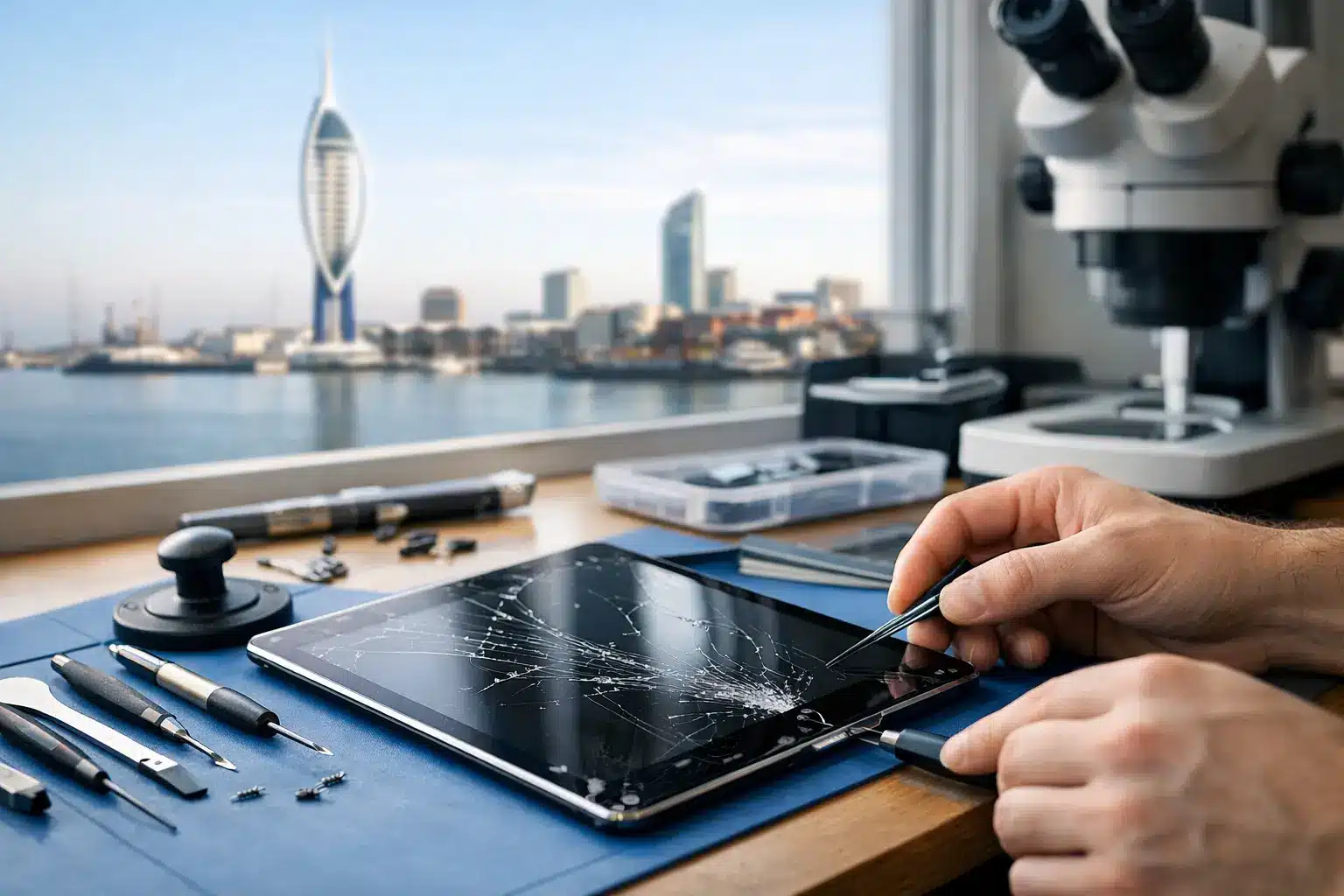
A cracked iPad screen can be more than an inconvenience. Whether you use it for lectures, work notes, children’s entertainment or staying in touch with family, sharp glass and unreliable touch response quickly make the device difficult to live with. This complete guide to iPad screen repair explains what may be damaged, when a repair is worthwhile and how to choose a technician you can trust.
Is it the glass, display or touch layer?
“Screen repair” covers several different faults. A visible crack may affect only the front glass, while the image and touch controls continue to work normally. On some older iPad models, the glass digitiser can be replaced separately. This can make the repair more straightforward, but it still requires careful removal and fitting to avoid further damage.
Many newer iPads use a laminated display assembly, where the glass, touch layer and LCD or OLED display are bonded together. In these cases, a cracked front panel usually means replacing the full screen assembly. It is a more involved repair, but it restores the display and touch functions as one matched unit.
Signs that the display itself is damaged include black patches, coloured lines, flickering, a completely blank screen or ink-like marks beneath the glass. If areas of the screen no longer respond to touch, the digitiser may be faulty even if the picture looks clear. A technician should assess the device before quoting so you are paying for the repair it actually needs.
When should you arrange an iPad screen repair?
Small cracks can spread without much warning, particularly around the corners where an iPad takes the force of another knock. Broken glass also makes the device less safe to handle, especially for children, and leaves gaps where dust or moisture can enter.
A repair is usually sensible when the iPad is otherwise working well, holds its charge and still meets your needs. Replacing a screen is normally far more cost-effective than replacing a functioning tablet, particularly with iPad Pro and iPad Air models.
There are occasions when it is worth pausing before proceeding. A very old iPad that no longer receives the apps or software you need may not justify a major display repair. Equally, if the device has suffered a heavy impact and has issues with charging, cameras, casing or battery life, ask for a full diagnostic first. One fault can sometimes hide another.
What affects iPad screen repair cost?
There is no single price for an iPad screen replacement because model, part type and damage all matter. An iPad 6th generation, for example, is built differently from an iPad Air 5 or iPad Pro. Larger displays, laminated panels, high-refresh-rate screens and Face ID components can all increase the complexity and cost of the work.
The quality of replacement parts matters too. A cheaper screen may appear tempting, but poor-quality parts can have weaker brightness, less accurate colour, reduced touch sensitivity or an inferior fit. A good repair should focus on a screen that performs properly in day-to-day use, not simply one that covers the crack.
Clear pricing should cover the part and fitting, with no surprises after the repair has started. If further damage is found during inspection, you should be told what has been found, what it means and what your options are before additional work goes ahead.
Choosing between repair, insurance and replacement
If you have accidental damage cover through insurance, check the excess first. For some iPad models, a local repair may cost less than the excess or be the simpler option if you need the device back quickly. It may also avoid the disruption of sending your iPad away and waiting for an assessment.
Manufacturer service can be the right route in certain circumstances, particularly where the iPad is covered by an active protection plan or has a wider fault that requires authorised support. However, an independent local specialist can be a practical choice for out-of-warranty accidental damage, provided they use suitable parts and stand behind their work.
For Portsmouth and Southsea customers, the benefit of a local repair is accountability. You should be able to speak directly to the person handling the iPad, ask questions about the fault and collect it without tracking parcels or dealing with a national call centre. At iHelp Gadget Repairs, that direct contact runs from the initial enquiry through to the completed repair.
What a careful repair process looks like
A proper iPad repair starts with identifying the exact model. This is essential because iPads can look similar while using very different screen assemblies. The technician should test the display, touch response, charging, buttons, cameras and speakers where relevant, then explain whether the screen is the only concern.
The damaged assembly is removed using controlled heat and specialist tools. This is not simply a case of lifting off broken glass. Internal flex cables, the battery and, on some models, home button or biometric components need to be handled carefully. Rushing this stage can turn a screen repair into a more expensive device repair.
Once the replacement has been fitted, the iPad should be tested again. The checks should include brightness, colour, touch response across the whole panel, front camera operation, button function and charging. The screen should also sit correctly within the frame, with no sharp edges or loose sections.
Turnaround time depends on the iPad model, the damage and parts availability. Straightforward repairs can often be completed promptly, while specialist iPad Pro displays or devices with frame damage may take longer. An honest estimate is better than a vague promise, especially if you rely on the tablet for work or study.
Should you try to repair an iPad screen yourself?
Online repair kits make DIY work look simple, but iPads are among the less forgiving devices to open. The screen is strongly bonded in place and a small mistake can damage display cables, puncture the battery, affect the home button or leave the new screen poorly sealed.
DIY repair can make sense for someone with experience, the right tools and an older device they are prepared to risk. For most people, the apparent saving disappears quickly if the replacement part is poor quality or the repair causes additional faults. Professional fitting also gives you someone to return to if there is a problem with the repair.
Before handing over your iPad
Back up the iPad if it is still usable, either to iCloud or a computer. Screen work should not affect your data, but a current backup is sensible before any electronic repair. If touch is unreliable, use a keyboard or accessibility features where possible to protect important files.
You may be asked to turn off Find My iPad before the repair. This is a normal security step that allows testing and prevents activation-lock complications. Remove the case, Apple Pencil and any accessories, and let the technician know about previous repairs, liquid damage or faults that appeared after the drop.
Do not share your passcode unless it is genuinely needed for testing and you are comfortable doing so. A reputable repairer will explain why access is required and treat your device and privacy with care.
Looking after a newly repaired screen
A repaired screen deserves some protection from the next accident. A well-fitted case with raised edges offers more defence than a thin back cover, while a screen protector can help reduce everyday scratches and absorb lighter impacts. Neither makes an iPad indestructible, but both can make a meaningful difference.
For the first day or two, avoid putting pressure on the edges of the new screen and keep the iPad away from moisture. If you notice lifting, unusual touch behaviour, a display issue or any concern after collection, contact the repairer promptly rather than trying to press the screen back into place yourself.
Ask what warranty applies to your particular iPad repair. Terms can vary according to the model, replacement part and the nature of the original damage, so a clear explanation gives you confidence about what is covered.
A cracked screen does not have to mean the end of a useful iPad. The best next step is a clear assessment from a local technician who will explain the fault plainly, quote honestly and treat the device as carefully as you do.