
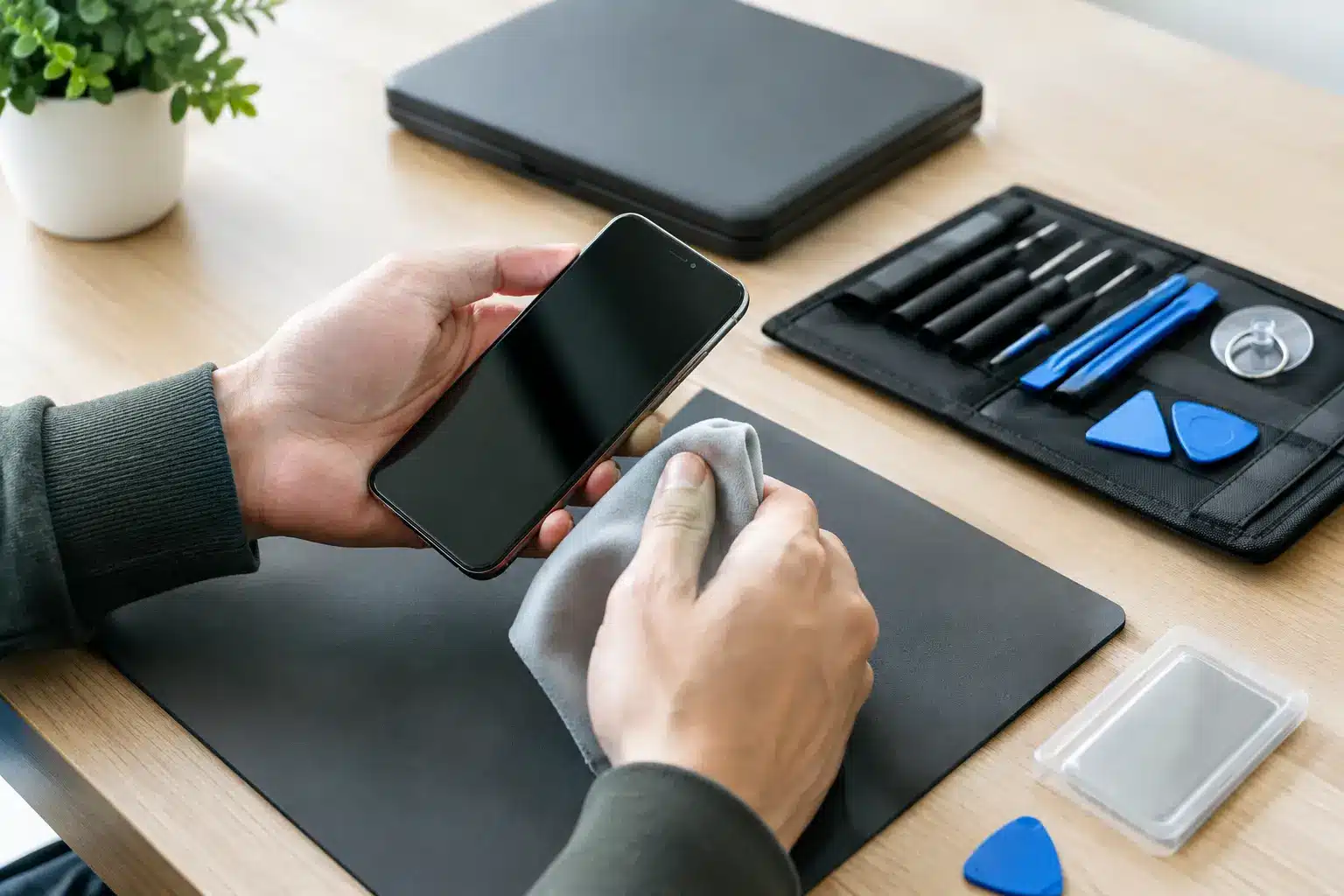
A cracked screen or failed charging port is frustrating enough without worrying about the photos, messages and banking apps stored on your phone. Knowing how to prepare phone for repair properly protects your personal information, helps the technician test the fault and can prevent delays when you need your device back quickly.
Most preparation takes no more than 15 to 30 minutes. The right steps depend on the repair, your phone model and whether it still switches on, but a little preparation gives you more control from the moment you hand it over.
Back up your phone before any repair
A quality repair should not erase your data. For straightforward work such as an iPhone screen replacement, battery replacement or charging-port repair, your photos and apps normally remain exactly where they are. However, unexpected faults can occur, particularly if the device has liquid damage, is repeatedly restarting or needs more involved diagnostics.
Create a current backup before visiting a repair shop whenever the phone is usable. On an iPhone, back up to iCloud over Wi-Fi or use a computer. Android users can usually back up key information through their Google account, including contacts, photos, settings and some app data. Check that the backup has completed rather than assuming it runs automatically.
Photos are often the files people miss most. Open your preferred cloud photo service and make sure it has finished syncing recent images and videos. If storage is full, transfer the most important files to a computer first. It is also worth checking WhatsApp or another messaging app separately, as chat histories may use their own backup setting.
If the phone will not power on, do not keep forcing it to charge or restart, especially after water exposure. Tell the technician that the data has not been backed up. In some cases, restoring power safely may be possible, but data recovery cannot be promised.
Protect your privacy without blocking the repair
Your phone contains far more than a contact list. It may hold private messages, email access, saved passwords, medical information, work documents and payment details. You should not need to share your Apple Account, Google password, banking passcode or social media logins with a repair technician.
Start by signing out of sensitive apps if that gives you peace of mind, particularly banking, password managers and work apps. You can also remove payment cards from your digital wallet. This is sensible if the repair requires the device to be left with the shop, although most screen and battery repairs are completed much more quickly.
Do not factory reset your phone as a default. A reset can make it harder to test the original issue and removes useful information about whether the phone was working before the repair. It is generally only appropriate if a technician advises it for a specific software fault, or if you have backed up everything and prefer to erase the device before it is left for an extended repair.
Your lock screen should stay enabled. A reputable technician will explain if they need a passcode temporarily to test features such as the touchscreen, cameras, microphone, speakers, Face ID, charging or mobile signal. If you choose to provide it, change it afterwards. For many repairs, it is possible to perform physical work without it, but testing can be limited.
Turn off activation locks when requested
Activation locks are designed to stop a lost or stolen phone being used by someone else. They can also stop certain repairs, replacement parts or post-repair testing from being completed properly.
For iPhones, Find My iPhone and Activation Lock may need to be disabled for particular repairs. For Android phones, Google device protection can create a similar issue after a reset. Do this only when the repairer explains why it is needed and you are comfortable proceeding. Never give anyone your full account password when you can remove the device or switch off the feature yourself.
If you are concerned about security, ask the technician exactly what access is required and for how long. Clear answers are part of a trustworthy repair service.
Remove the case, SIM and unnecessary accessories
A bulky case, screen protector or card holder can hide damage around the phone’s frame and make it difficult to inspect the device properly. Take the case off before your appointment if you can. A technician needs to see whether the frame is bent, the back glass is lifting or the screen is separating from the body, as these details can affect the repair and its outcome.
Whether to remove your SIM card depends on the situation. For a quick repair where network testing is needed, keeping the SIM in place may help confirm calls, texts and mobile data work afterwards. If the phone will be left for longer or you would rather keep the number with you, remove it and mention that network testing will be limited. If your phone uses an eSIM, simply let the repairer know.
Bring the charging cable only if the fault relates to charging or power. There is no need to bring boxes, headphones, spare cases or other accessories unless they help demonstrate the problem. Keeping the handover simple reduces the chance of something being misplaced.
Make a note of the fault and any previous damage
“It’s not working” is a starting point, but the best repair diagnosis begins with a few clear details. Think about when the problem started, whether the phone was dropped or got wet, and whether it happens all the time or only under certain conditions.
For example, a charging issue may be caused by lint in the port, a worn cable, battery health, liquid damage or a fault on the charging circuit. Explaining that the phone charges only at a certain angle, becomes hot, or stopped working after a particular drop can save time and avoid guesswork.
Take photographs of the phone’s condition before handing it over, especially if there are dents, cracks or damage unrelated to the booked repair. This is not about expecting a problem. It simply creates a clear record for both sides and helps an honest repairer explain any risks already present.
Mention any previous repairs too. A phone that has had a non-original screen, replacement battery or back-glass repair may need different parts or have hidden damage beneath the surface. Transparency gives the technician the best chance of quoting accurately from the start.
Know what is covered and ask before work starts
Before agreeing to a repair, confirm the expected price, likely turnaround and warranty terms. The cheapest quote is not always the best value if it uses poor-quality parts, offers no comeback or does not include proper testing. On the other hand, an older phone with several faults may not justify an expensive repair. A good technician should talk through that trade-off plainly.
Ask whether the quoted price covers diagnosis and fitting, what happens if the fault is more extensive than first expected, and whether the repair affects water resistance. Once a phone has been opened, its original water-resistance seal cannot be treated as factory guaranteed, even when new adhesive is fitted carefully. That is a realistic point worth understanding before any work begins.
Keep proof of purchase if you have it, particularly for warranty repairs or insurance claims. If the device is company-owned, check whether your employer has a policy on repairs before authorising work.
How to prepare your phone for repair on the day
Charge the phone if it will hold power, then write down or screenshot any fault messages. Arrive with the device switched on where possible, because this makes initial checks quicker. If it is overheating, swollen, badly water-damaged or smells unusual, turn it off and avoid charging it. A swollen battery needs careful handling and should not be pressed, punctured or carried loose in a pocket.
When you arrive, describe the fault directly and mention anything you have already tried. A local specialist such as iHelp Gadget Repairs can then assess the device, explain the options and test the repair properly before it is returned. You should leave knowing what has been done, what warranty applies and whether there are any sensible next steps.
The aim is not to make a repairer’s job difficult or hand over every password you own. It is to protect your data while giving them enough information to fix the right problem. A current backup, clear description of the fault and a straightforward conversation at the counter are usually all it takes to get your phone safely back into daily life.